Shooting 4K video on a smartphone invariably leads to a familiar bottleneck: device storage fills up rapidly, and identifying the exact clips causing the deficit can be surprisingly difficult.
Testing across both iPhone and Android devices reveals a consistent pattern. A mere handful of high-resolution clips—typically captured during vacations, sporting events, live concerts, or professional content creation sessions—are usually responsible for devouring tens of gigabytes of space. Pinpointing these massive files prior to transferring footage to a PC or launching a demanding mobile editing project can save creators considerable time.
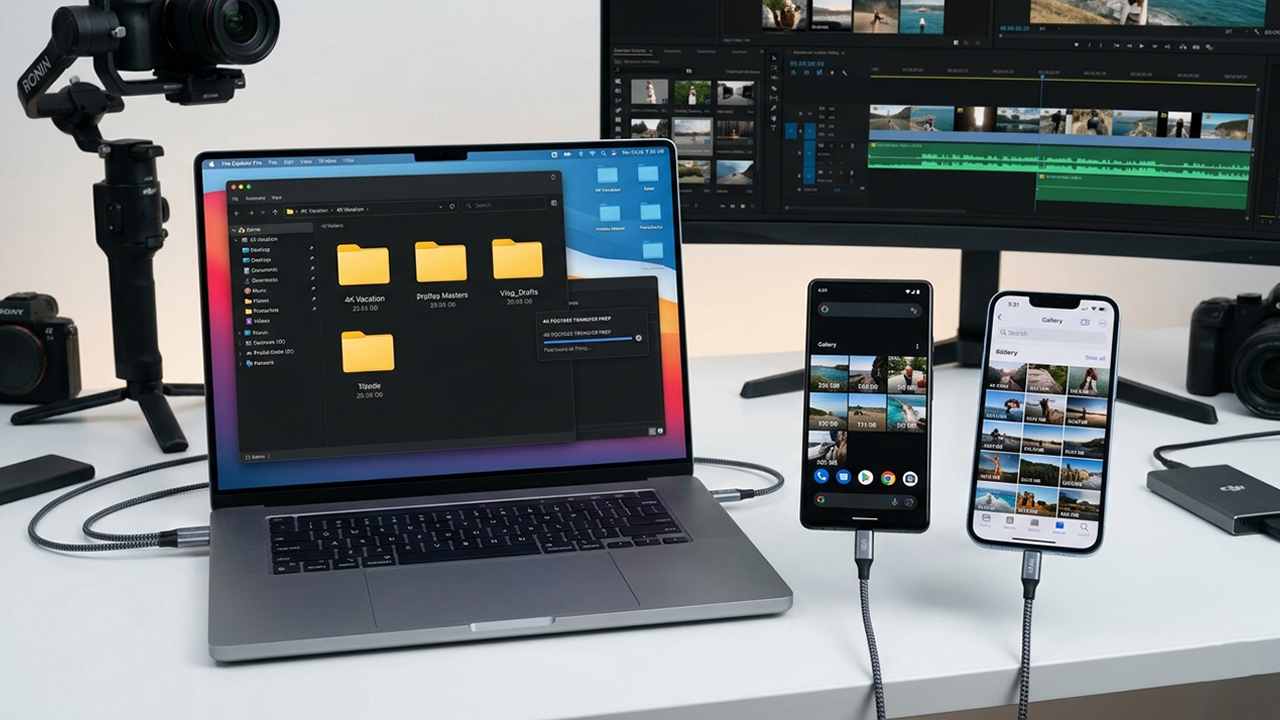
The primary obstacle stems from default gallery applications, which rarely excel at surfacing files based strictly on size. While native mobile operating systems offer rudimentary storage overviews, content creators who need to isolate specific 4K files, sort media by footprint, or streamline cross-device transfers generally require specialized tools.
To identify the most effective solutions, the evaluation relied on four primary benchmarks:
Velocity in detecting oversized video files
Efficiency of file organization prior to export
Seamlessness of mobile-to-PC data transfer
Overall utility for creators managing dense 4K media libraries
The following applications, accessible via the Apple App Store, Google Play Store, or both, stood out for their practical utility in locating and managing heavy video assets.
For professionals managing substantial 4K video libraries, FE File Explorer Pro delivers the most robust and versatile toolkit.
Far from being a rudimentary storage-cleaning utility, this application operates as a desktop-grade file manager. The interface allows users to bridge local device storage with external environments, including Windows PCs, Macs, network-attached storage (NAS) systems, FTP servers, and mainstream cloud providers.
During heavy-duty testing involving high-bitrate 4K clips, the application’s primary advantage proved to be its structural visibility. Large files can be isolated instantly, organized into dedicated directories, and dispatched directly to a local network share or cloud server without forcing the operator to juggle multiple applications.
This streamlined pipeline proves invaluable for creators who routinely capture ProRes footage, high-bitrate 4K streams, or long-form video projects.
Cross-platform availability on both iOS and Android
Comprehensive integration with local, network, and cloud storage systems
Excellent prep-work capabilities prior to executing PC transfers
Direct connectivity to SMB, FTP, SFTP, and NAS protocols
Smooth performance when handling exceptionally large media directories
User interface adopts a technical aesthetic that may intimidate casual users
Lacks a dedicated visual discovery feed tailored exclusively for video media
Initial network configuration requires a minor learning curve
Available as a one-time purchase of $4.99 on both the App Store and Google Play Store.
Android creators seeking a frictionless, no-cost method to expose storage-hogging media will find Files by Google to be an incredibly efficient option.
The application excels at parsing system storage into intuitive, digestible categories. Beyond sorting documents, downloads, and imagery, the system quickly isolates large video assets that compromise available device space. Industry analysis and user reports frequently highlight the app as a staple for rapid storage discovery on Android architecture.
Speed remains the definitive highlight of this utility. With virtually zero learning curve, creators can launch the application, navigate to the storage breakdown, pinpoint oversized files, and immediately decide whether to push the content to a workstation or archive it for mobile editing.
For straightforward asset identification on Android, this utility frequently provides all the power necessary.
Completely free to use
Preinstalled natively on a vast majority of Android hardware
Intuitive, glanceable storage allocation breakdowns
Rapid discovery and isolation of heavy media files
Minimalist and clean user interface
Exclusively restricted to the Android ecosystem
Advanced file management features remain basic compared to professional alternatives
Network transfer features are highly restricted
Free of charge.
PhotoSync has established a commanding reputation among mobile videographers who frequently shift heavy archives across diverse hardware ecosystems.
Rather than acting as a traditional directory scanner, this tool shows its true strength once large files have already been identified. The software specializes in the automated, high-speed transmission of media between mobile devices, desktop computers, NAS devices, and cloud setups. Creative communities frequently recommend this tool specifically for overcoming the standard bottlenecks of massive 4K video exports.
Workflow efficiency defines the PhotoSync experience. Mobile creators can bypass the frustration of erratic cable connections and cumbersome OS-specific cloud syncing by selecting large videos and routing them directly to a target destination over Wi-Fi.
While the app does not prioritize storage analysis, it serves as an unmatched companion utility once the heaviest files are located.
Full compatibility across iOS and Android ecosystems
Industry-leading media transfer and synchronization protocols
Robust support for PC, Mac, NAS, and cloud destinations
Highly trusted by photography and video production enthusiasts
Dependable stability during prolonged transfers of large media batches
In-app file discovery and sorting features are secondary to its transfer functions
Premium features and certain automation protocols require paid upgrades
Data transmission speeds remain heavily tethered to local Wi-Fi network conditions
Free core download with available premium tier upgrades and subscription models varying by platform.
As a more recent entry into the storage utility marketplace, Enter Space offers an innovative approach to cross-platform asset analysis.
The application functions by aggregating various cloud storage accounts under a single analytical lens. According to ecosystem documentation, the software scans these connected environments to flag duplicate files, map space consumption, and identify overlapping content. Notably, the software features specialized visual similarity detection algorithms.
For content creators whose 4K raw footage is scattered across multiple cloud buckets, this unified dashboard solves a common headache. It exposes massive, forgotten video files that would otherwise remain hidden in deep cloud subdirectories.
While the tool places less emphasis on direct local-device file manipulation than traditional managers like FE File Explorer Pro, it delivers distinct advantages for modern, cloud-first workflows.
Sophisticated and comprehensive storage analysis tools
Capable of auditing multiple separate cloud services simultaneously
Highly effective at identifying duplicate and redundant video clips
Sleek, modern, and intuitive user interface
Strictly confined to the Apple ecosystem
Relatively unproven track record compared to veteran file management tools
Cloud-centric design may not appeal to creators relying purely on local physical storage
Free download accompanied by in-app purchases for subscription packages or lifetime access licenses.
While the broader market for mobile optimization apps is frequently flooded with underwhelming tools, iClean includes a targeted video scanning module that delivers genuine value.
Platform documentation notes that the utility runs a swift diagnostic on iOS storage, specifically indexing large videos, screen recordings, uncompressed GIFs, and high-capacity Live Photos.
For individuals trying to clear space quickly before tethering to a computer, the ability to instantly pull the heaviest media assets to the top of a list is highly practical.
The application lacks the advanced networking capabilities and deep directory access of professional tools like FE File Explorer Pro. However, for the singular task of finding oversized 4K clips in a rush, it accomplishes the goal with minimal friction.
Highly focused, single-purpose storage scanning mechanics
Instantly surfaces massive video files without deep navigation
Accessible, beginner-friendly layout
Rapid storage scanning performance
Limited strictly to iOS devices
Minimal built-in file transfer or external routing functionality
Design leans heavily toward basic device maintenance rather than professional asset management
Free download supported by available in-app purchases.
When selecting a tool to manage heavy 4K content pipelines, FE File Explorer Pro stands out as the most complete solution for advanced workflows.
While numerous utilities can scan for large files, few bridge the gap between discovery, structural organization, and multi-protocol network transfer within a singular interface. For serious videographers, the application provides an uninterrupted workflow, and the one-time purchase model remains highly preferable to ongoing software subscriptions.
Optimal selection, however, depends heavily on specific ecosystem requirements:
Best Overall Utility: FE File Explorer Pro
Best No-Cost Android Solution: Files by Google
Best Specialized Transfer Tool: PhotoSync
Best Cloud-Integrated Storage Analyzer: Enter Space
Best Straightforward iPhone Video Locator: iClean: Phone Storage Cleaner
Integrating a dedicated discovery tool into a 4K production routine mitigates storage bottlenecks, accelerates transfer times, and introduces much-needed efficiency to mobile media management.