Most people do not actually want to eliminate notifications entirely; rather, they want better control over them.
Testing across Android and iOS devices reveals a clear pattern: productivity collapses when every application competes for attention with equal urgency. A work email, a package delivery update, a social media reaction, and a promotional alert all arrive with the same intrusive ping.
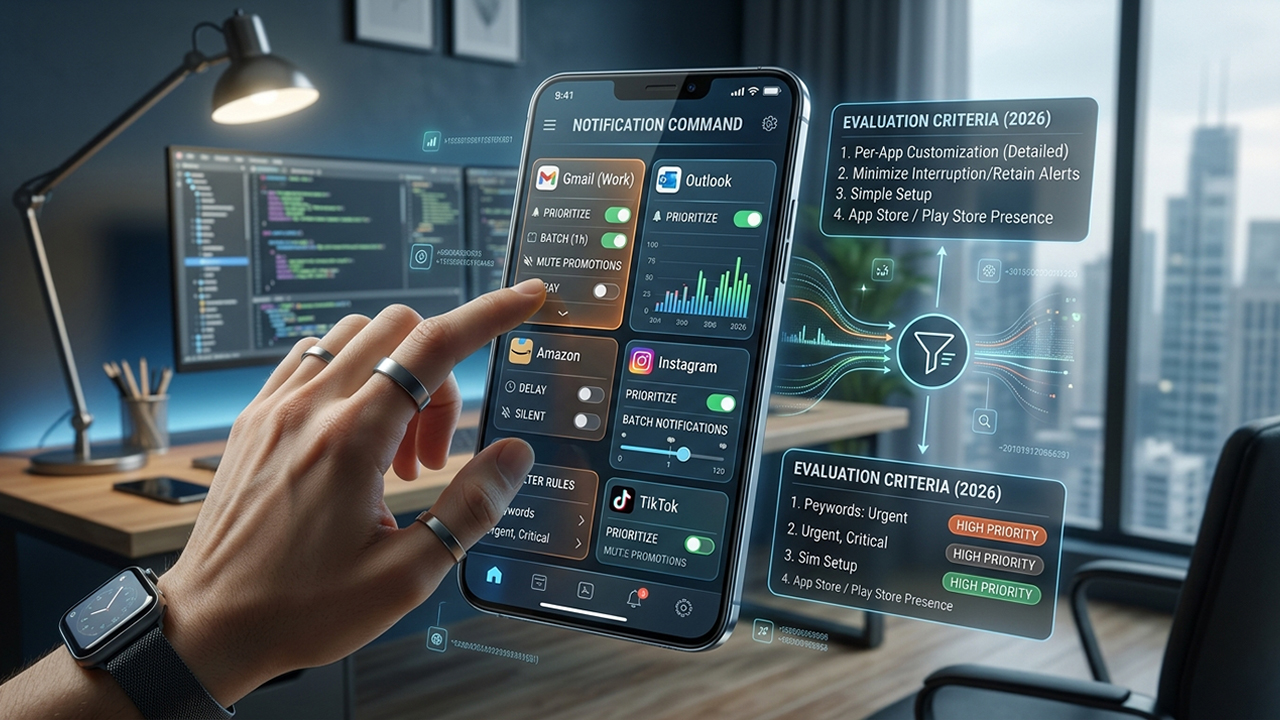
The best notification-management tools resolve this friction by allowing users to manage alerts on a per-app basis. Instead of relying on a blunt, all-or-nothing mute switch, these tools make it possible to delay, batch, filter, snooze, or prioritize notifications based on their origin and content.
This review evaluates the top tools available in 2026 based on four essential criteria:
Granular, per-app notification customization
The ability to minimize interruptions without missing critical alerts
Simplicity and ease of initial setup
Active development and current availability on the Apple App Store or Google Play Store
Android
One-time paid purchase via Google Play; no ongoing subscription required.
BuzzKill remains one of the most robust notification-management utilities available for the Android ecosystem. Rather than relying on the operating system's standard, rigid toggle switches, this application operates through a highly customizable rule engine. Users can construct specific actions triggered by the app name, sender identity, specific keywords, message frequency, or exact content phrases.
Several real-world automations prove highly effective during daily use:
Delaying non-urgent social media alerts by a set period (e.g., 30 minutes)
Batching instant messages into scheduled, less frequent groups
Suppressing consecutive alerts from a single hyperactive group chat
Assigning unique, high-priority sound profiles to specific emergency contacts
Automatically clearing promotional clutter the moment it arrives
The standout feature is "Cooldown," which temporarily silences an application when a sender transmits multiple short messages in rapid succession. This single feature provides immediate relief from focus-shattering alert chains. Furthermore, BuzzKill handles all data processing directly on the device, ensuring user privacy without requiring an internet connection.
Provides exceptionally detailed, per-app automation rules
Operates on a consumer-friendly, one-time purchase model with no ads
Keeps all notification data entirely private and on-device
Features an advanced "Cooldown" mode to prevent consecutive alert spam
Exclusively available for Android users
The sheer volume of customization options can feel overwhelming initially
Requires a bit of experimentation to build the perfect workflow
For Android users seeking absolute sovereignty over how every single application behaves, BuzzKill stands out as the premier gold standard.
Android
Free download with optional, non-intrusive in-app purchases; entirely ad-free.
Nap approaches notification fatigue from a broader, more psychological angle. Instead of micro-managing individual alerts through complex coding logic, this application allows users to place specific communication and entertainment tools "on a nap." During these designated quiet periods, incoming alerts from selected applications are automatically dismissed from the status bar and tucked away into a centralized repository.
This macro-level approach is particularly beneficial for managing:
Algorithmic social media pings
Flash sales and retail application alerts
Non-urgent news broadcasts
Chatty, low-priority group conversations
A comprehensive notification history screen makes it easy to review everything that arrived during a focus block, ensuring nothing important slips through the cracks. Users can also snooze specific alerts for later or organize incoming pings into custom, filtered feeds. The entire experience feels approachable, relying on simple scheduled intervals rather than complex scripting.
Completely free to use without ad clutter
Maintains a reliable, searchable notification archive
Highly intuitive interface that requires virtually no learning curve
Simplifies scheduled focus blocks for entire categories of apps
Lacks the deep, keyword-level automation found in BuzzKill
Backed by a smaller development ecosystem
Power users may find the feature set too basic for advanced workflows
Nap serves as an ideal solution for Android users who want a cleaner, quieter notification drawer without the hassle of building complex rule systems.
iOS (iPhone)
Free download with a 7-day trial and premium subscription options.
Apple’s sandboxed operating system prevents third-party applications from directly intercepting or modifying system notifications. To work around these restrictions, FocusRoom utilizes Apple's native Screen Time API to restrict access to distracting applications entirely during deep-work intervals. It unifies app blocking, task lists, and focus timers into a cohesive, space-themed productivity environment.
The core strength of this application lies in its ability to lock out distracting digital spaces during active "missions." By completely cutting off access to chosen platforms, it effectively stops the user from opening apps to check notifications.
While it does not alter the notification banner itself, the integration with iOS features like Live Activities and the Dynamic Island keeps focus metrics front and center, transforming a passive phone screen into a dedicated workstation dashboard.
Visually striking, highly modern user interface
Enforces strict app blocking via official Apple frameworks
Excellent integration with the Lock Screen and Dynamic Island
Includes built-in task organization and productivity analytics
Does not function as a literal notification filter due to iOS limitations
Requires granting broad Screen Time permissions to operate
Employs a recurring subscription model for premium features
For iPhone users, FocusRoom provides a compelling method for engineering distraction-free windows, shifting the focus from filtering notifications to managing application access.
iOS (iPhone and iPad)
Free core features with premium upgrades available for advanced blocking capabilities.
FocuTime blends a traditional Pomodoro-style timer workflow with modern system-level application blocking. Simplicity defines the user experience here; starting a focus sprint requires just a single tap, which immediately locks selected entertainment or social platforms away until the break timer sounds.
Key features built into the application include:
Automated application blocking linked to calendar events
Customizable work and break interval timers
Long-term productivity metric and streak tracking
A strict mode that prevents ending a focus session early
Similar to other iOS utilities, FocuTime cannot intercept an incoming banner alert directly. Instead, it creates an environment where notifications lose their disruptive power because the parent application cannot be opened. Recent updates have introduced deep calendar automation, allowing the app to automatically lock down distracting platforms the moment a scheduled meeting or study block begins.
Very straightforward, streamlined user interface
Automated blocking tied directly to calendar schedules
Strict mode prevents giving in to impulsive digital urges
Syncs data reliably via iCloud across iPhone and iPad
No options for custom per-app notification sorting or keyword filtering
Heavily structured around rigid timer intervals
Less adaptive than its Android counterparts due to platform constraints
FocuTime represents an excellent option for iOS users who prefer a lightweight, automated Pomodoro companion over a sprawling configuration utility.
iOS and iPadOS (Built-in system feature)
Completely free; integrated directly into the operating system.
Though it is an integrated operating system component rather than a standalone download, Apple’s native Focus framework earns a spot on this list by delivering the most comprehensive per-app notification filtering available on iOS.
Testing confirms that a well-configured Focus profile yields remarkable control, allowing users to:
Explicitly permit alerts from a select group of crucial apps while silencing the rest
Blacklist specific problematic platforms during work hours
Establish entirely separate home screens and notification profiles for work, personal time, and sleep
Automate profile triggers based on time, geographic location, or the opening of a specific app
Filter internal content within supported first- and third-party apps
A minor drawback persists: silenced notifications occasionally still gather quietly in the iOS Notification Center rather than being erased from existence. However, because it operates at the root level of the device, it avoids the processing constraints that limit third-party iOS alternatives.
Completely free with deep, native system integration
Allows actual per-app filtering and contact whitelisting on iOS
Triggers automatically based on time, routine, or location
Zero impact on battery life or system performance
The configuration menus can feel convoluted and non-intuitive
Silenced alerts can still occasionally tempt users from the pull-down notification tray
Behavior can vary slightly between different third-party apps
For the vast majority of iPhone owners, Apple's built-in Focus modes deliver ample per-app notification management without needing an extra app store download.
The ideal choice depends almost entirely on the mobile operating system in use.
For unmatched customizability, BuzzKill stands as the ultimate choice on Android. The ability to batch, silence, and redirect notifications down to the keyword level provides unparalleled digital peace. Users seeking a simpler, entirely free alternative will find Nap to be an excellent, ad-free way to pool non-urgent alerts into convenient summaries.
Within the more walled garden of iOS, Apple Focus remains the single most effective tool for filtering notifications on a per-app basis. While third-party utilities like FocusRoom and FocuTime cannot directly manipulate notification streams, they serve as excellent companions by using system APIs to completely block access to addictive applications during critical work windows.
Ultimately, treating notifications differently based on their source yields an immediate boost to daily focus. In 2026, BuzzKill leads the charge for Android customization, while Apple's native Focus framework remains the benchmark for iPhone users seeking a quieter digital life.