Starting college comes with a level of independence that can feel exciting and disorienting at the same time. For many freshmen, it is the first time they are managing class schedules, deadlines, spending, daily routines, and personal safety without the structure of home or high school. The adjustment is rarely about one big challenge; it is usually a collection of smaller problems that build up quickly during the first semester.
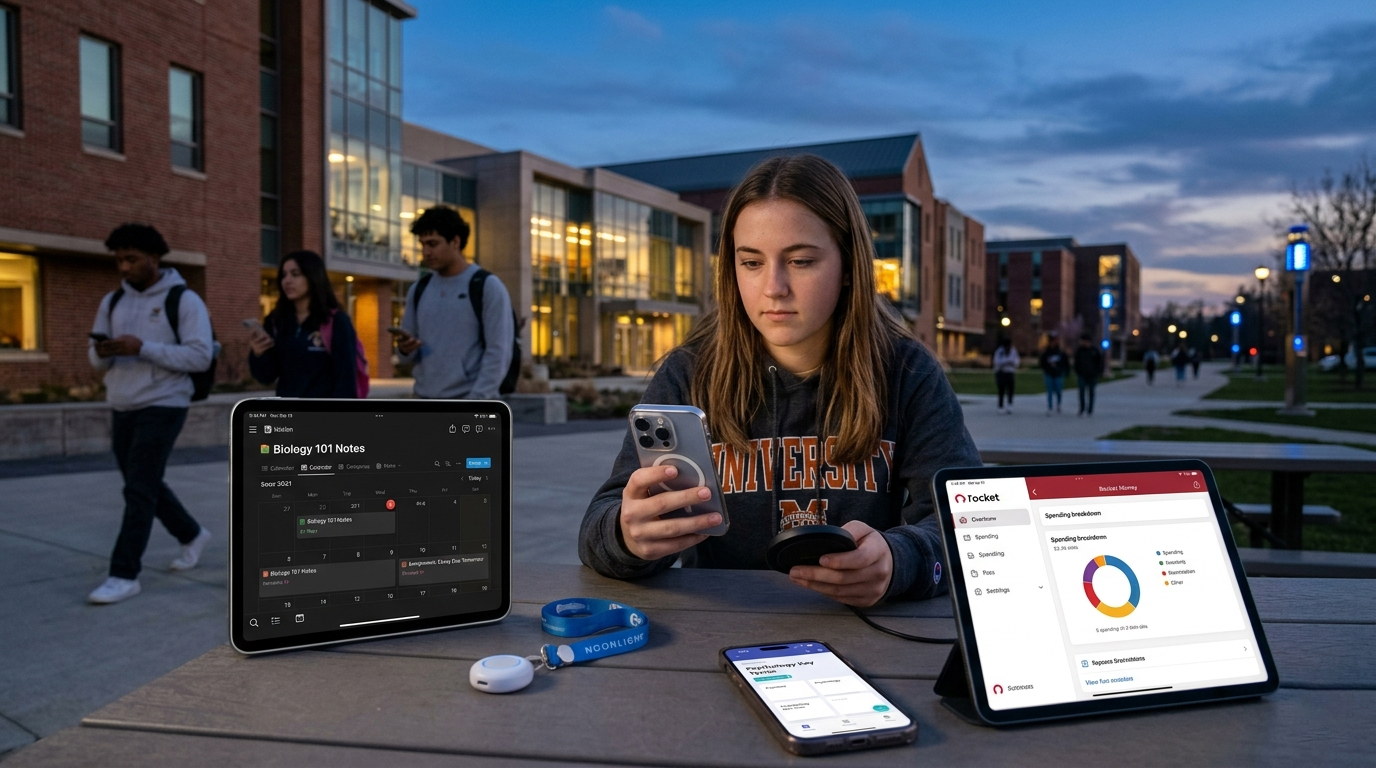
The most useful college apps are the ones that help reduce that friction in practical ways. Some keep assignments and notes organized, others help students stay on top of spending, and a few address concerns that matter just as much as academics, such as late-night safety or exam prep. The goal is not to turn a phone into a life-management system for everything, but to make the transition into campus life a little easier to handle.
With that in mind, the four apps below stand out as especially useful for freshmen in 2026. Each one solves a different part of the adjustment process, from staying organized in class to managing money and navigating day-to-day student life with more confidence.
OS Availability: iOS & Android
Notion remains one of the most flexible tools available to students who need a single place to keep their academic life organized. Instead of splitting class notes, reading lists, assignment deadlines, and project planning across multiple apps, students can build a central workspace that keeps those pieces connected.
That flexibility is the main reason it works so well for college freshmen. A simple setup can include a semester dashboard, course pages for each class, a running assignment list, and a weekly planner. Students who want more structure can go further with templates for habit tracking, internship applications, or club planning, but the app is just as useful when kept simple.
Its biggest downside is the learning curve. Notion can do a lot, but that also means it is easy for new users to overbuild a system they will not maintain. Still, for freshmen who want one app to manage classes, deadlines, and notes, it is one of the strongest options available.
Useful for organizing notes, assignments, schedules, and project planning in one place
Highly customizable for different study habits and class loads
Student plans and templates make it easier to get started
Can feel overwhelming for first-time users
Mobile editing is less comfortable than working on desktop for larger pages or databases
OS Availability: iOS & Android
Budgeting is one of the first practical skills many freshmen have to learn quickly. Between meal runs, subscriptions, campus bookstore purchases, transportation costs, and social spending, it is easy to lose track of where money is going. Rocket Money is helpful because it gives students a clearer view of recurring expenses and everyday spending patterns without requiring a complicated budgeting setup.
Its strongest feature is visibility. By linking bank accounts and cards, students can see transactions grouped into categories and spot subscriptions or repeated charges that may otherwise go unnoticed. That kind of overview is especially useful during the first few months of college, when spending habits tend to change rapidly.
Rocket Money will not replace a full financial plan, and some of its more advanced features sit behind a paid tier. Even so, for students trying to avoid the common first-semester pattern of overspending without realizing it, it is a practical tool to have.
Helps students monitor spending and recurring charges more easily
Useful for spotting subscriptions and tracking discretionary spending
Basic budgeting tools are accessible without a steep learning curve
Some premium features require a subscription
Upsell prompts can feel frequent in the free version
OS Availability: iOS & Android
Safety is a major concern for many first-year students, especially on large campuses where late-night walks, unfamiliar routes, and off-campus housing can become part of daily life. Noonlight addresses that concern with a simple emergency-response concept that is easy to understand and use under stress.
The app’s core feature is its hold-button system. A student who feels unsafe can press and hold the button while walking. Once they reach their destination safely, they release it and enter a PIN. If the button is released and the PIN is not entered in time, Noonlight can alert emergency responders with the user’s location.
That design makes it especially useful for situations that feel uncertain but do not yet justify an emergency call. It is not a replacement for campus safety services, but it can be a helpful extra layer of reassurance for students adjusting to unfamiliar surroundings.
Straightforward emergency feature that is easy to use in stressful situations
Helpful for students walking alone at night or navigating unfamiliar areas
Can add an extra layer of safety beyond campus-specific resources
Background location use can affect battery life
Some advanced features require a paid plan
OS Availability: iOS & Android
College coursework often requires students to absorb a much larger volume of vocabulary, definitions, and foundational concepts than they were used to in high school. Quizlet remains one of the easiest ways to handle that kind of memorization-heavy studying, especially during the first year when many introductory courses rely on terms, formulas, and repeated review.
One reason Quizlet continues to work well for freshmen is convenience. Students can create their own flashcard sets, but they can also search for materials already made by classmates or former students in common entry-level courses. That can save time during busy weeks when creating study resources from scratch is not realistic.
Quizlet is most useful for reinforcement rather than deep learning. It will not replace lecture notes, problem-solving practice, or class discussion, but it can be a strong support tool for exams that involve heavy recall.
Useful for reviewing vocabulary, concepts, and other memorization-heavy material
Large library of existing study sets for common introductory courses
Easy to use during short study sessions between classes
Some advanced study modes are limited in the free version
Best suited to memorization support rather than more complex coursework
Among these four apps, Notion stands out as the most useful all-around tool for college freshmen.
The main reason is that organization tends to affect everything else. A missed assignment, an overlooked reading deadline, or a scattered note system can create stress quickly, especially during the first semester when students are still adjusting to a new routine. Notion helps bring those moving parts into one place, which makes it easier to keep track of classes, deadlines, notes, and projects without relying on several disconnected apps.
That does not make it the only essential app on this list. Noonlight can be valuable for personal safety, Rocket Money helps with budgeting, and Quizlet is a solid study companion. But if the goal is to pick one app that offers the broadest day-to-day value during the transition to campus life, Notion is the strongest choice.
