A smartphone’s home screen is one of the most frequently used interfaces throughout the day, yet many people never move beyond the default layout. While both Apple and Google have steadily expanded customization options, their built-in launchers and widget systems still leave limited room for users who want a truly distinctive experience.
Modern customization apps go far beyond changing wallpapers or icon packs. They make it possible to redesign layouts, create interactive widgets, automate gestures, and organize apps in ways that better suit individual workflows. After evaluating a wide range of customization tools for stability, performance, battery efficiency, and ease of use, four apps consistently stood out as the strongest options for transforming a smartphone home screen in 2026.
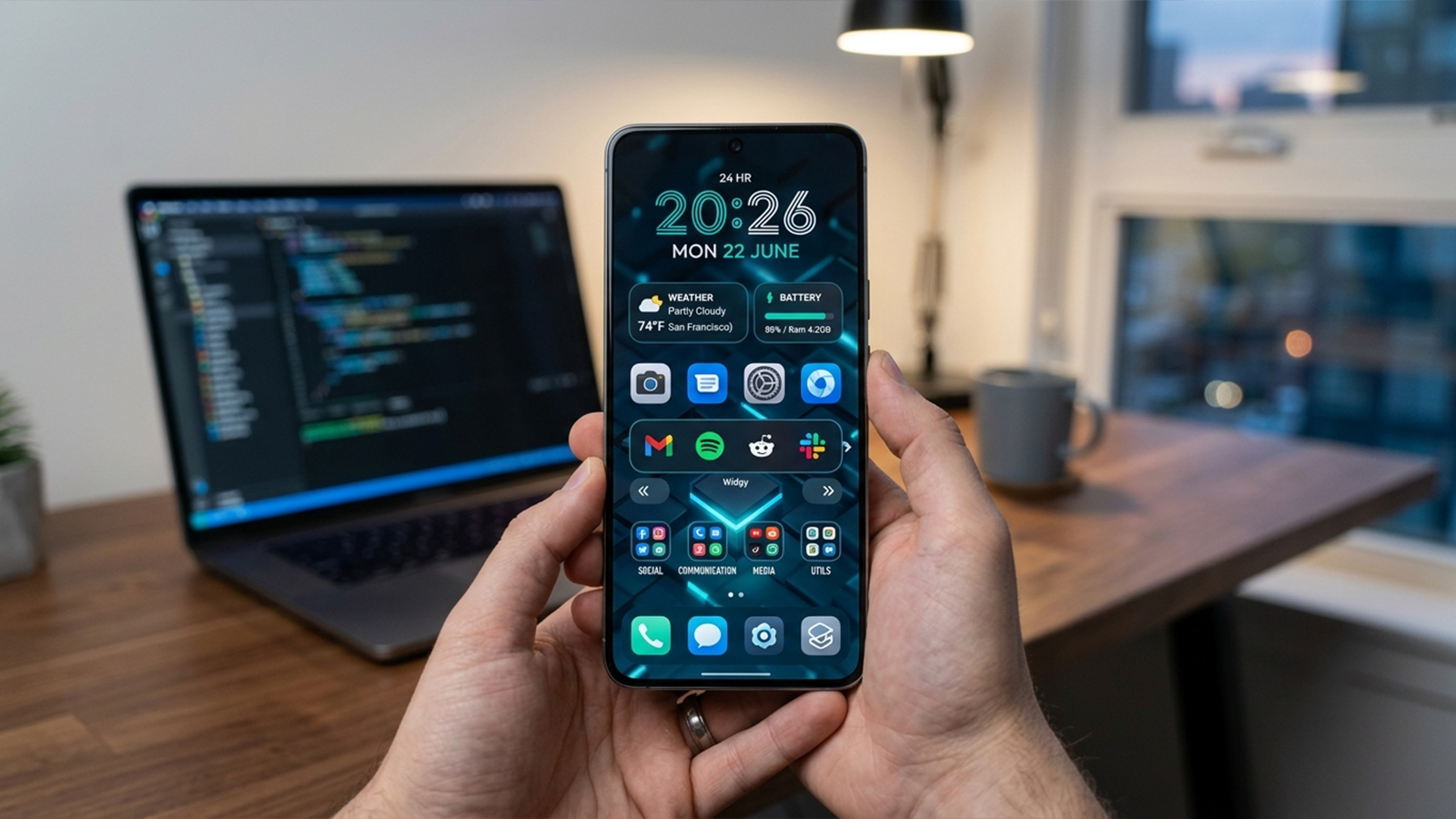
For Android users seeking complete control over their home screen, Nova Launcher continues to set the benchmark. Even after its acquisition by Branch, the launcher remains one of the most capable customization platforms available, offering extensive layout options without sacrificing performance.
Its flexible grid system allows icons and widgets to be positioned with exceptional precision, making highly customized layouts possible. Gesture support is equally impressive, enabling shortcuts such as double-tapping to open notifications or assigning swipe gestures to launch specific apps, playlists, or system functions. These small refinements can significantly improve everyday navigation.
Nova also maintains a reputation for smooth animations and responsive performance, making it suitable for both older devices and flagship smartphones.
Industry-leading control over icon placement and grid customization.
Extensive gesture support for faster navigation.
Excellent performance with minimal impact on system responsiveness.
The large number of settings can feel overwhelming for first-time users.
Several advanced features require the Prime upgrade.
The core launcher is free, while Nova Launcher Prime is available as a one-time purchase for $6.99.
Apple has gradually expanded widget support, but creating a truly personalized iPhone home screen still requires third-party tools. Widgy Widgets fills that gap by offering one of the most advanced widget creation systems available on iOS.
Rather than relying on preset templates alone, Widgy provides a visual editor that allows users to design widgets from the ground up. Layouts can display weather forecasts, calendar events, fitness statistics, battery information, RSS feeds, and numerous other data sources within highly customized designs.
Another major advantage is its active community, where thousands of ready-made widget designs can be downloaded and modified. This makes it equally appealing to experienced designers and users who simply want a polished setup without building everything from scratch.
Because iOS restricts how frequently third-party widgets can refresh, Widgy intelligently caches information to balance battery life with timely updates.
Exceptional flexibility for creating custom iPhone widgets.
Large community library of downloadable designs.
Strong integration with Apple Health and other system data.
The editor contains many advanced tools that may require some learning.
Widget refresh frequency remains limited by iOS.
Widgy is free to download with limited widget slots. Additional slots can be unlocked through in-app purchases ranging from $4.99 to $8.99.
Among Android widget creators, KWGT remains one of the most powerful and flexible options available. Instead of offering fixed templates, it gives users the ability to build highly dynamic widgets with extensive customization capabilities.
One of KWGT's biggest strengths is its support for formulas, conditional logic, and variables. Widgets can automatically change colors based on battery percentage, display different information according to weather conditions, or dynamically adjust their appearance throughout the day. This level of flexibility allows home screens to become both visually distinctive and highly functional.
Recent versions also integrate well with Android's Health Connect platform, enabling locally processed fitness information without requiring unnecessary cloud synchronization.
Extremely powerful widget customization and automation.
Efficient performance with low battery consumption.
Broad compatibility with community-created widget packs.
The interface feels dated compared to newer design tools.
Importing many community presets requires the separate Pro Key.
The standard version is free with ads. Unlocking full functionality requires the KWGT Pro Key, priced at $6.99.
Not every user wants to spend hours adjusting grids or designing widgets from scratch. Smart Launcher 6 focuses instead on delivering a polished, organized experience immediately after installation.
Its intelligent app categorization automatically groups installed apps into logical categories such as Communication, Media, Games, and Utilities, making crowded app drawers much easier to navigate. The launcher also includes an adaptive theme engine that analyzes the current wallpaper and automatically adjusts interface colors to create a more cohesive appearance.
This emphasis on automation makes Smart Launcher particularly attractive for users who prefer a cleaner home screen without extensive manual configuration.
Automatic app organization with minimal setup.
Attractive adaptive color theming.
Lightweight design with excellent battery efficiency.
Offers less precise layout control than Nova Launcher.
Long-term costs may be higher because many premium features are subscription-based.
The basic version is free. Premium plans are available for $2.49 per month, $8.99 per year, or approximately $17.99–$20.99 for a lifetime license.
Each of these apps serves a different type of smartphone user rather than competing in exactly the same category.
For Android enthusiasts who enjoy fine-tuning every aspect of their devices, Nova Launcher remains the strongest launcher available, especially when paired with KWGT for advanced widget creation. Together, they provide an exceptional level of control over layouts, gestures, automation, and visual design.
Users who value simplicity over endless customization may find Smart Launcher 6 to be the better choice. Its intelligent organization and adaptive interface require very little configuration while still delivering a noticeably cleaner experience.
On iOS, Widgy Widgets continues to be the standout option for expanding Apple's built-in customization capabilities. Although it cannot bypass every system limitation imposed by iOS, it offers significantly more creative freedom than the native widget system and remains one of the best ways to build a distinctive, personalized iPhone home screen.
