Writing has never been easier—or more distracting. Between chat notifications, endless browser tabs, and word processors packed with features you'll probably never touch, simply sitting down to write can feel like a battle for your attention.
That's exactly why so many writers, developers, and note-takers keep coming back to Markdown editors. They strip away the clutter, leave you with little more than text and a keyboard, and make it surprisingly easy to stay focused. The best ones don't overwhelm you with options. They quietly disappear into the background so you can do the work that matters.
After spending time with the leading Markdown editors on the US App Store, these are the ones that create the least friction—and the most room to think.
OS Availability: iOS
If distraction-free writing had a poster child, it would probably be iA Writer. Every design decision seems to answer the same question: Will this help someone stay focused? If the answer is no, it simply isn't there.
Where It Shines
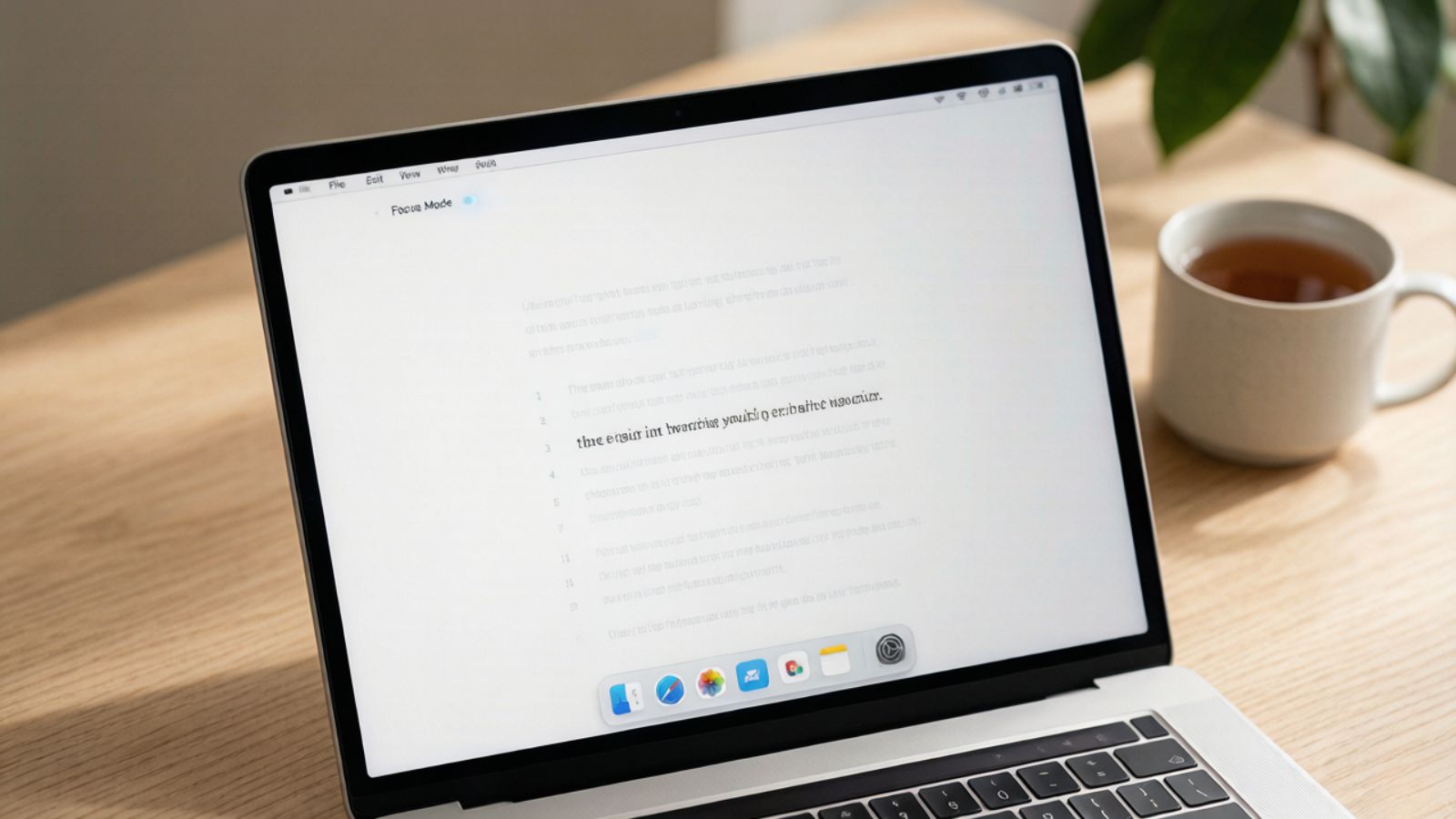
The standout feature is Focus Mode, which fades everything except the sentence or paragraph you're actively writing. Instead of staring at an intimidating wall of text, your attention stays exactly where it should be. It's a subtle effect, but during long writing sessions it makes a noticeable difference.
Pricing: One-time purchase with no subscription required.
Pros:
Beautiful typography that's easy on the eyes.
Minimal interface with very little temptation to tweak settings.
Available across major platforms, including iOS and Android.
A Few Things to Know
If you need project databases, advanced collaboration, or integrated task management, iA Writer intentionally stays out of that territory.
OS Availability: iOS / Android
Obsidian can be almost anything you want it to be. At its heart, though, it's still a Markdown editor built around local files, giving you complete ownership of your notes instead of locking them inside someone else's platform.
Where It Shines
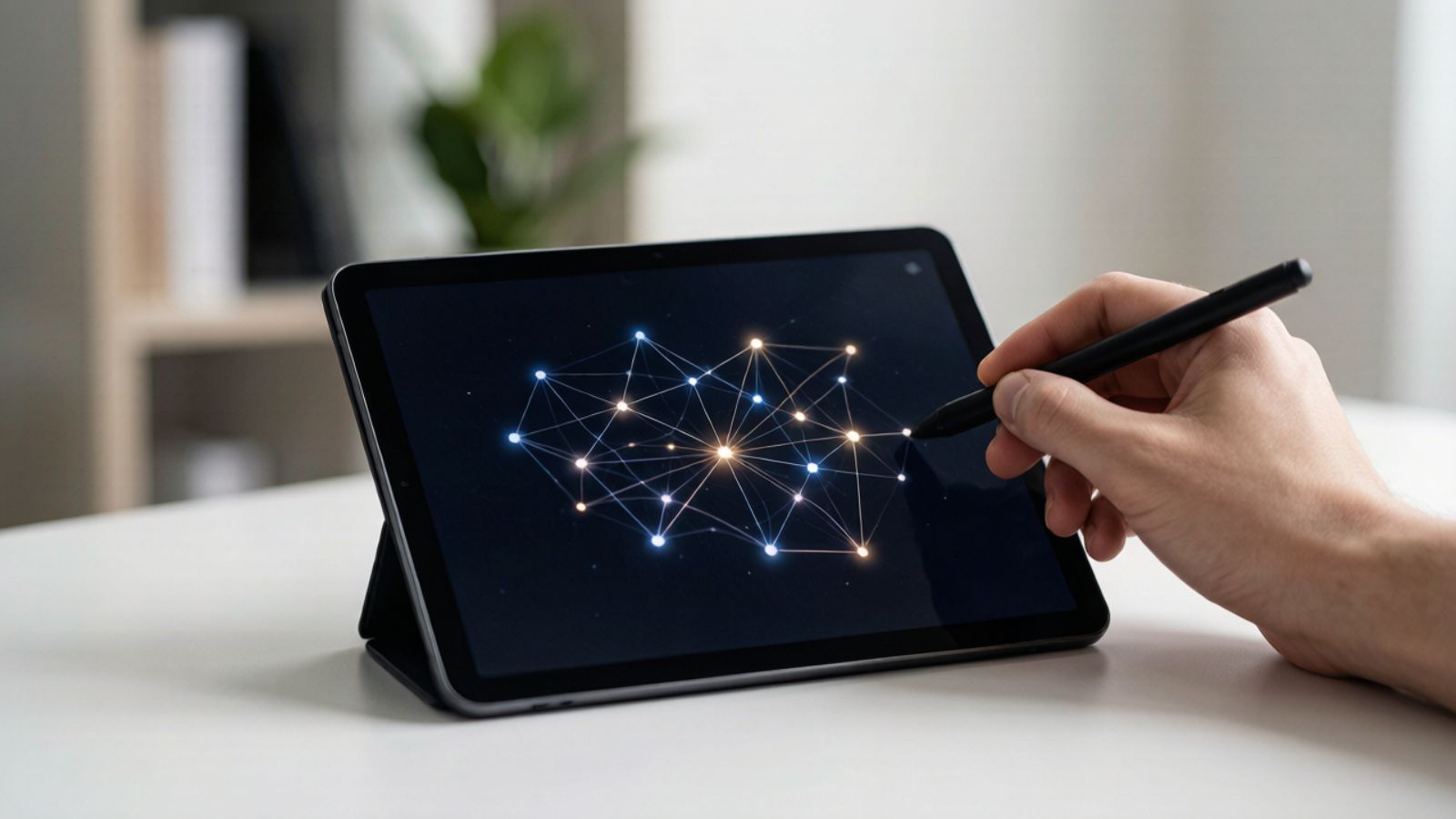
Despite its reputation as a power-user tool, Obsidian can become an incredibly peaceful writing environment. Hide the sidebars, switch to full-screen mode, and you're left with little more than your words. When you're finished writing, those notes can instantly connect to hundreds of others through backlinks, gradually building a personal knowledge base.
Pricing: Free for personal use; optional paid plans for Sync and Publish.
Pros:
Local-first storage works perfectly offline.
Extensive plugin ecosystem if your needs grow over time.
Powerful linking system for connecting ideas across projects.
A Few Things to Know
The same flexibility that attracts power users can become a distraction. It's surprisingly easy to spend an afternoon customizing plugins instead of actually writing.
OS Availability: iOS only
Bear has always managed to feel warm in a category that's often very technical. The interface is polished without being flashy, and writing inside it feels more like opening a notebook than launching productivity software.
Where It Shines
Organization happens through tags instead of complicated folder structures, so categorizing notes feels almost effortless. You can keep writing, add a quick tag, and move on without breaking your rhythm. It also handles images, sketches, and attachments gracefully, making it useful for more than plain text.
Pricing: Free with limitations; subscription required for syncing and premium features.
Pros:
Beautiful interface that's enjoyable to write in every day.
Excellent support for multimedia notes.
Strong privacy features, including Face ID and Touch ID protection.
A Few Things to Know
Bear is exclusively available on Apple devices, so it isn't a practical choice if you regularly switch between iPhone, Mac, and Android.
OS Availability: iOS (iPhone/iPad)
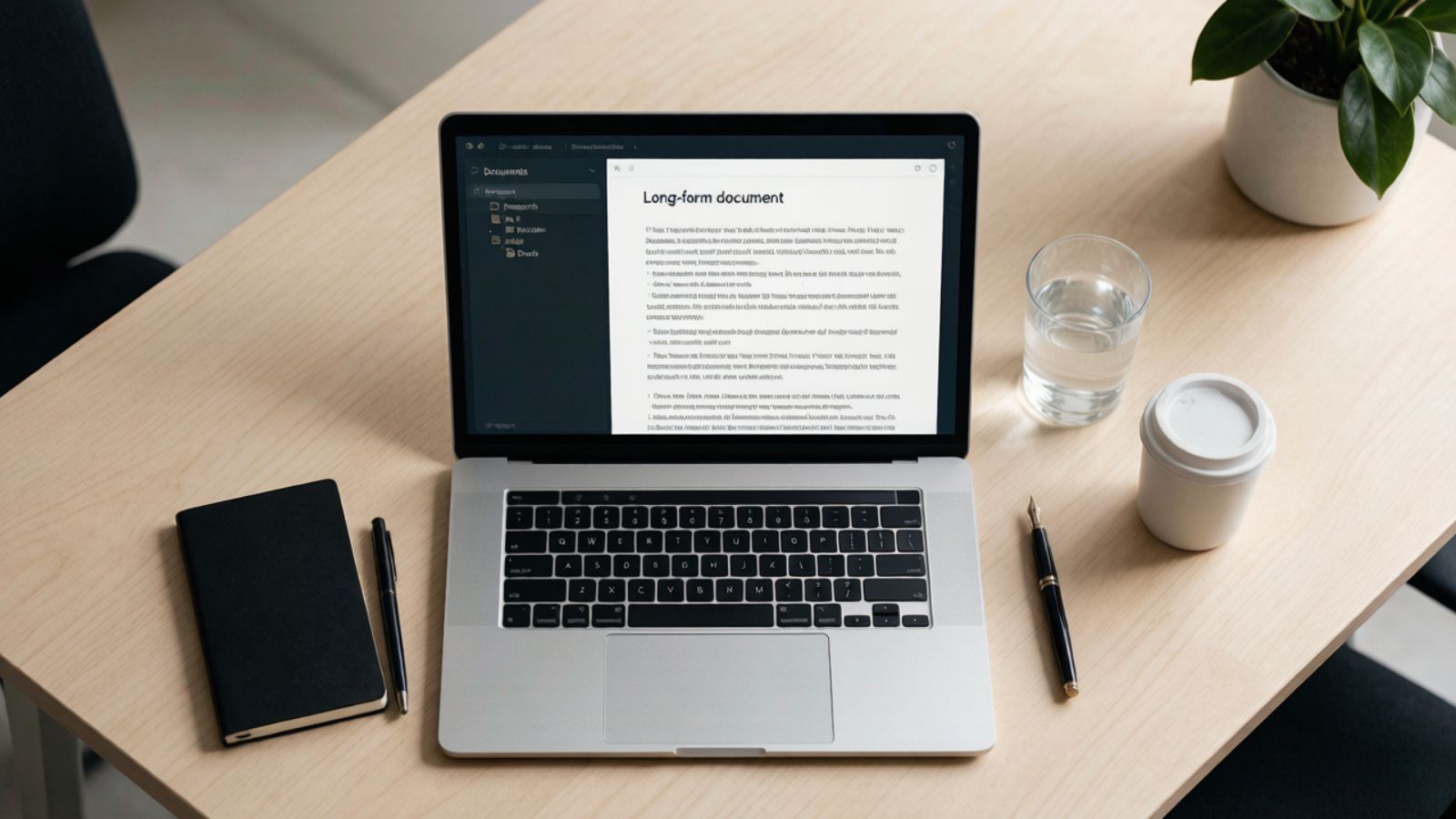
Ulysses is built for writers who spend months—not minutes—working on a project. Whether you're drafting a novel, writing technical documentation, or managing dozens of articles, it provides structure without covering your screen in toolbars.
Where It Shines
One feature many writers swear by is Typewriter Mode, which keeps your current line centered as you write. The page scrolls around you instead of forcing your eyes to constantly move down the screen, making long writing sessions feel surprisingly comfortable. Add in writing goals, project organization, and seamless publishing tools, and Ulysses becomes much more than a simple Markdown editor.
Pricing: Subscription-based.
Pros:
Excellent organization for large writing projects.
Built-in writing goals help maintain momentum.
Direct publishing to platforms like WordPress, Medium, and Ghost.
A Few Things to Know
The subscription makes sense if writing is a regular part of your work, but casual users may find it harder to justify.
OS Availability: iOS (iPhone/iPad)
Byword has been around for years, and that's part of its appeal. It doesn't chase trends or pack in every new productivity feature. It opens quickly, lets you write, and stays out of your way.
Where It Shines
Performance is where Byword quietly shines. The app launches almost instantly, handles Markdown without fuss, and includes Typewriter Scrolling for people who prefer a centered writing experience. Combined with Dropbox and iCloud support, it's a dependable companion for anyone who values speed over bells and whistles.
Pricing: One-time purchase.
Pros:
Lightweight and extremely responsive.
Reliable offline editing with cloud synchronization.
Keyboard-friendly interface that rewards experienced users.
A Few Things to Know
Development has been much quieter than some newer competitors, and you won't find built-in AI writing tools or other modern extras.
The right Markdown editor depends less on features than on the kind of environment that helps you think.
If you want the cleanest possible writing experience with almost nothing competing for your attention, iA Writer is hard to beat. It's intentionally minimal, and that's exactly why so many people love it.
If your notes gradually grow into a connected web of ideas, Obsidian offers unmatched flexibility—provided you're comfortable resisting the temptation to endlessly customize it.
And for writers tackling books, documentation, or other long-form projects, Ulysses strikes an excellent balance between powerful organization and a distraction-free workspace.
One last thought: don't spend weeks searching for the "perfect" Markdown editor. Pick one, learn its shortcuts, and stick with it for a while. The app matters far less than building a writing routine where the software fades into the background and the words become the only thing on the screen.
