The biggest criticism of the speed reading movement has always been the inevitable sacrifice of text comprehension. Anyone can configure an application to flash text at 700 words per minute, but if the brain cannot process, retain, or synthesize the information, the entire exercise becomes a waste of time. Traditional rapid visual presentation often triggers passive reading, where words bounce off the retina without ever registering in long-term memory.
To break this bottleneck, modern application developers have shifted away from simple word-flashing mechanics. The latest generation of cognitive software focuses heavily on visual guidance, focus containment, and interactive, AI-driven evaluation loops to verify that retention keeps pace with speed. To separate superficial text runners from legitimate learning tools, we subjected the market’s leading speed reading platforms to thorough testing. We uploaded dense research journals, tracked eye strain across continuous 30-minute blocks, and graded each platform's capacity to minimize subvocalization while actively proving comprehension.
The following mobile tools represent the absolute best applications available on the US market to systematically increase reading velocity without dropping comprehension.
Availability: iOS
Pricing Model: Free basic version; Outread+ premium options include $3.99/week, $49.99/year, or a $119.99 lifetime unlock.
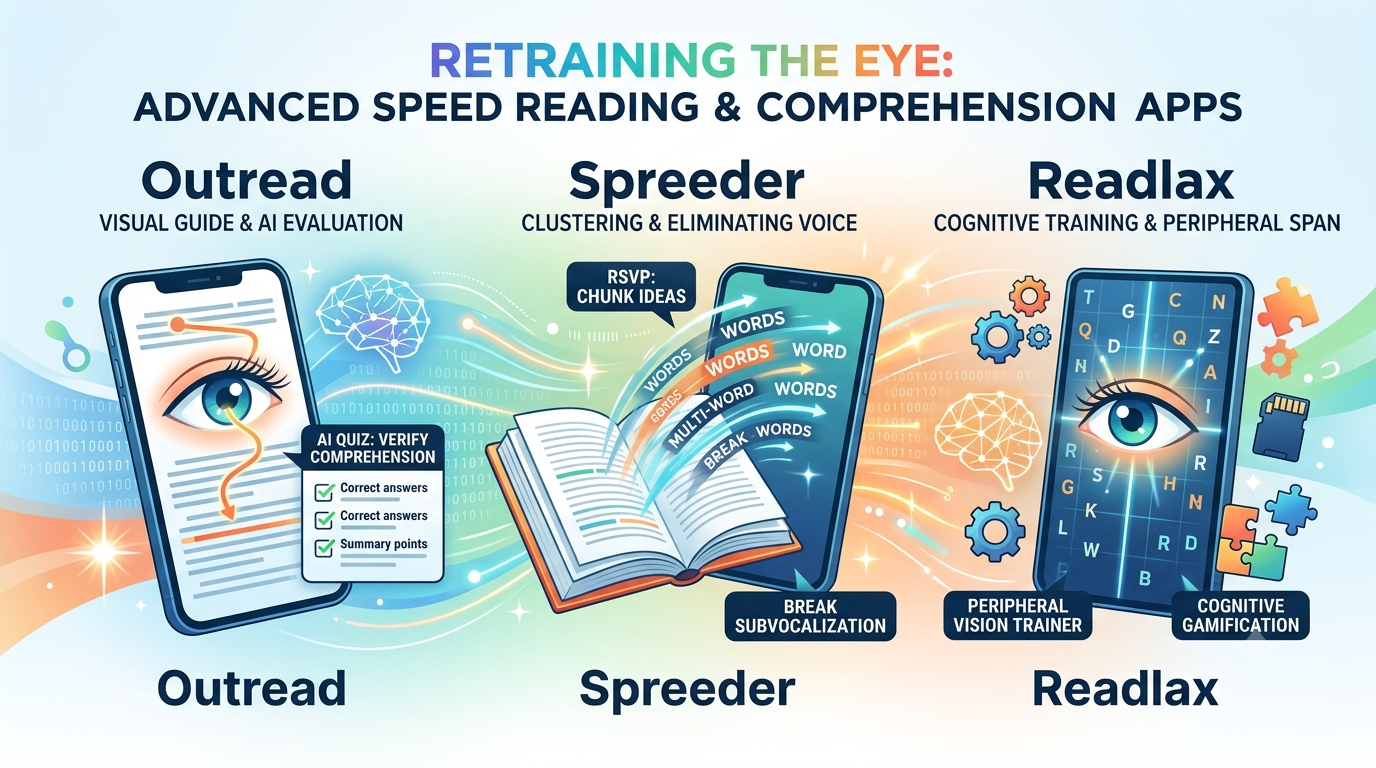
Outread approaches speed training not by hiding text, but by guiding your eyes through a traditional page layout using a moving highlighter block. When we integrated our Pocket and Instapaper accounts into Outread, the visual guiding feature, now known as "Guide," proved incredibly effective at breaking the habit of regression—the frustrating tendency to unconsciously re-read sentences over and over.
However, the real breakthrough for comprehension is found in its newly deployed suite of on-device AI tools. The standout feature is the automated "AI Quiz" generator. As soon as you finish blasting through a long-form article or chapter at 450 words per minute, the app immediately generates a dynamic context quiz based on the text you just read. This forces active accountability, proving mathematically whether your brain absorbed the core concepts or simply skimmed past them.
Pros: The guided highlighter mode reduces visual fatigue and works beautifully for long-form essays and complex books. The AI summaries, key point highlights, and comprehension quizzes transform passive reading into active study workflows.
Cons: The app is strictly limited to iOS devices. Additionally, the sheer density of premium features means that almost all advanced tracking analytics and structural text-import tools are locked behind a fairly expensive premium paywall structure.
Pricing Model: Free web and basic tier; Spreeder VIP lifetime access is available for a one-time purchase of $67.
Spreeder is a classic powerhouse that utilizes Rapid Serial Visual Presentation (RSVP) to flash text directly into your central focal window. For users struggling with intense internal subvocalization—the inner voice that slowly speaks every single word in your head—Spreeder's RSVP mode acts as a hard mechanical circuit breaker.
When we ran multi-chapter textbook files through the mobile interface, the engine successfully forced our visual processing speed past our vocal limitations. Unlike crude RSVP runners, Spreeder allows you to customize the chunk size, forcing text to display in multi-word blocks instead of single words. This teaches the brain to read clusters of ideas rather than individual fragments, which is the foundational secret to maintaining a high comprehension rate at elevated speeds.
Pros: Exceptional tool for completely eradicating vocal habits and accelerating baseline visual scanning speeds. The cross-platform cloud sync between desktop browsers and mobile devices operates flawlessly.
Cons: The raw RSVP visual interface can feel clinical and repetitive over extended reading intervals. It also offers limited native offline reading flexibility, meaning you will need an active data connection to process large, newly imported documents.
Availability: iOS, Android, Web
Pricing Model: Limited free access; Pro subscriptions cost $8.99/month, $44.99/year, or a $199.99 lifetime unlock.
Readlax addresses text comprehension from a completely distinct neuro-cognitive angle. Instead of just throwing a reader directly into an optimized document layout, Readlax treats speed reading as a byproduct of holistic brain fitness. The platform pairs its reading interface with targeted cognitive mini-games like "Saccade Sprint," matrix memory matchers, and letter-tracking puzzles designed to expand your peripheral vision span.
When we tested the application over an extended daily routine, the phrase-reading exercises genuinely altered how we approached standard blocks of text. The app trains your eyes to look at the center of a line while reading the periphery, dramatically shortening the mechanical processing time your eyes need to jump across a page.
Pros: Fully gamified ecosystem that explicitly trains working memory, focus, and visual tracking simultaneously. Excellent cross-platform compatibility across both major mobile operating systems.
Cons: The platform operates with an incredibly steep subscription price point for casual users. If you just want a clean, minimalist tool to drop an EPUB file into and start reading immediately without playing puzzle games, the interface will feel heavily over-engineered.

Unlocking faster reading while retaining perfect text comprehension requires picking an application that fits your cognitive style:
For individuals who want a fun, gamified workout routine to expand their visual span and sharpen working memory before tackling deep literature, Readlax provides an exceptional cognitive training structure. For those who need to completely break a severe habit of speaking words in their head, Spreeder remains the definitive mechanical training tool on the market.
However, for the modern professional or student who needs to read actual, complex documents with verified comprehension, Outread is the standout choice. By rejecting the unnatural word-flashing method in favor of an elegant visual guide, it preserves the organic context of the page. Furthermore, its integration of automated AI quizzes ensures that you are never just tracking a fast cursor—you are consistently validating that your brain is storing every critical insight.
