There is something deeply personal about a handwritten letter.
Maybe it's a birthday card from a grandparent, a stack of love letters exchanged decades ago, or postcards collected from family trips around the world. Unlike emails and text messages, these pieces of paper carry more than words. They preserve handwriting, emotion, and a tangible connection to a specific moment in time.
Unfortunately, paper doesn't last forever. Ink fades, edges tear, and years of exposure to sunlight, humidity, and handling slowly take their toll. Many families have boxes filled with treasured correspondence that they want to preserve, but the thought of manually organizing hundreds of documents can feel overwhelming.
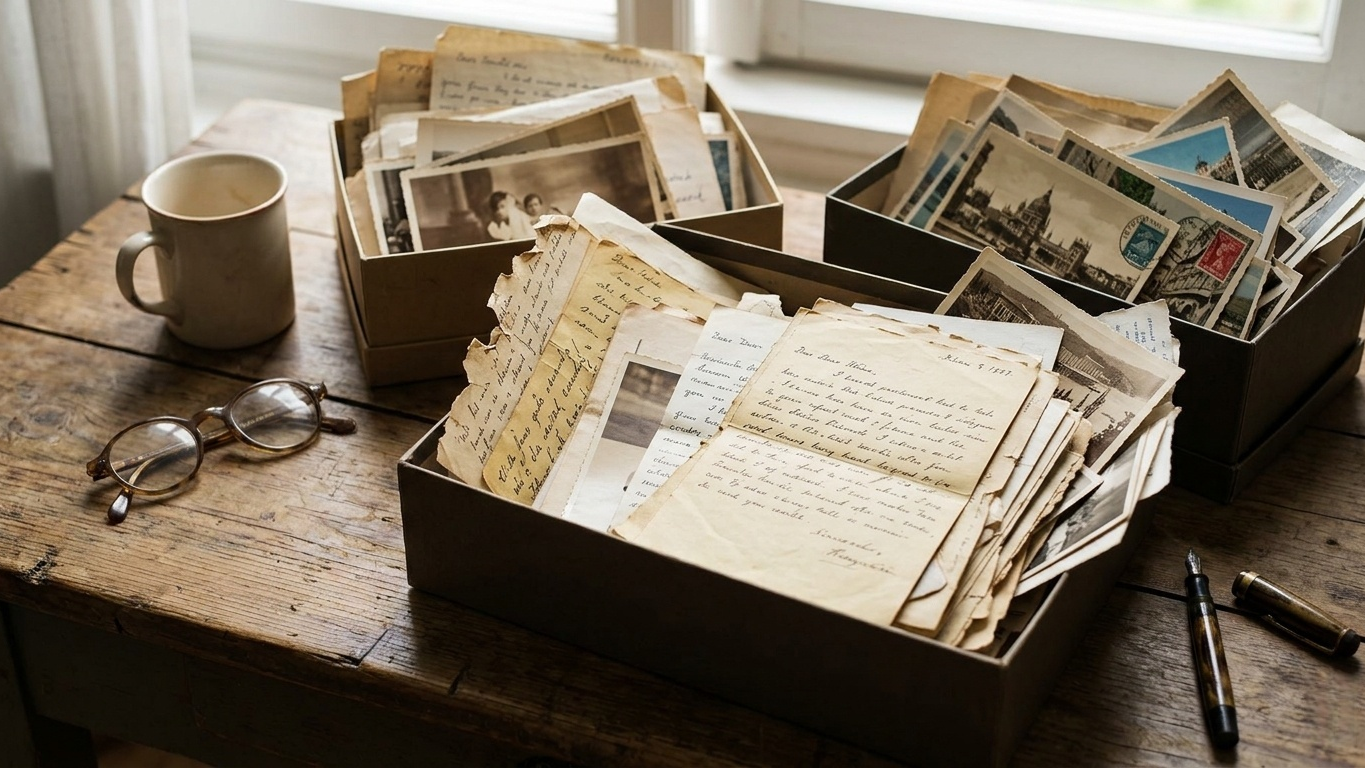
Fortunately, modern scanning apps have made the process dramatically easier. With nothing more than a smartphone, you can create high-quality digital copies, organize them into searchable archives, and ensure these memories remain accessible for future generations.
We tested today's leading scanning and archiving apps with a focus on historical letters, postcards, greeting cards, and handwritten documents. Our evaluation considered image quality, OCR performance, organizational tools, cloud integration, and overall ease of use.
Here are the apps that stood out.
Adobe Scan continues to be one of the strongest all-around document scanning apps available. Whether you're digitizing a single postcard or an entire family archive, it delivers consistently high-quality results with very little effort.
During testing, Adobe Scan handled aging documents surprisingly well. Its automatic edge detection accurately identified the borders of postcards, letters, and folded documents even when corners were worn or discolored.
The app's image enhancement tools are particularly useful for archival projects. They can reduce shadows, improve contrast, and make faded handwriting easier to read without making the document look artificial.
OCR performance is also solid. While no mobile scanner can perfectly interpret every handwritten letter—especially cursive writing from decades ago—Adobe Scan performs reasonably well on clear handwriting and printed text, creating searchable PDFs that make future organization much easier.
Pros:
Excellent automatic edge detection
Strong image enhancement tools
Reliable PDF generation
Adobe Document Cloud integration
Cons:
Advanced editing features require a subscription
High-resolution scans can consume significant storage space
Pricing: Free with optional premium subscription.
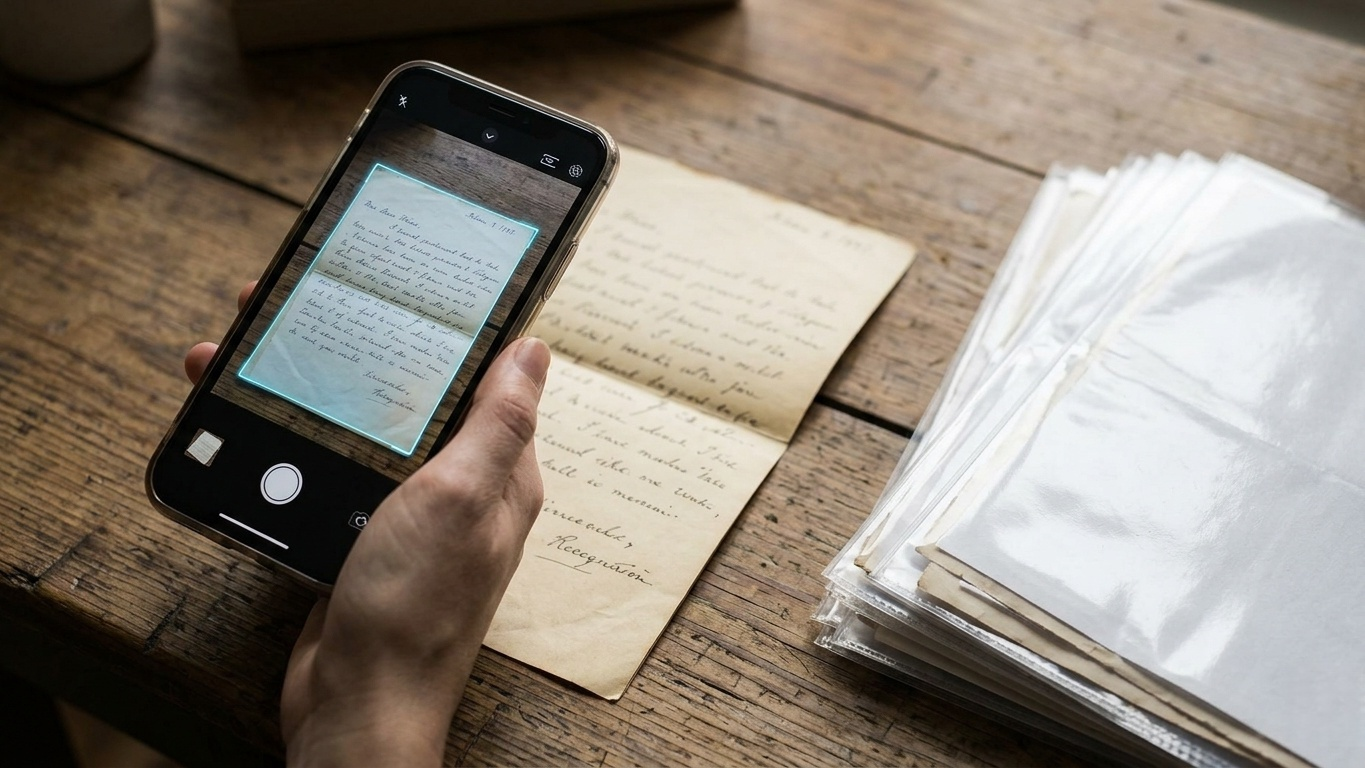
SwiftScan is built for users who need to digitize large collections quickly without sacrificing image quality.
If your goal is to work through boxes of letters efficiently, SwiftScan is one of the fastest options available. The automatic capture feature works almost instantly, allowing you to scan document after document without repeatedly pressing the shutter button.
What impressed us most was the image processing. Many scanning apps aggressively increase contrast, which can erase subtle details in old paper. SwiftScan takes a more balanced approach, preserving the texture of aged stationery while still improving readability.
Its cloud integrations are also among the most extensive in the category, supporting services such as Google Drive, Dropbox, OneDrive, iCloud, and WebDAV.
Pros:
Extremely fast scanning workflow
Excellent image processing
Strong cloud integration options
Flexible file organization tools
Cons:
OCR features require a premium subscription
Interface can feel busy for first-time users
Pricing: Free with optional premium plans.
Not every historical document should be treated like a document.
Sometimes the goal isn't simply preserving the text—it's preserving the object itself.
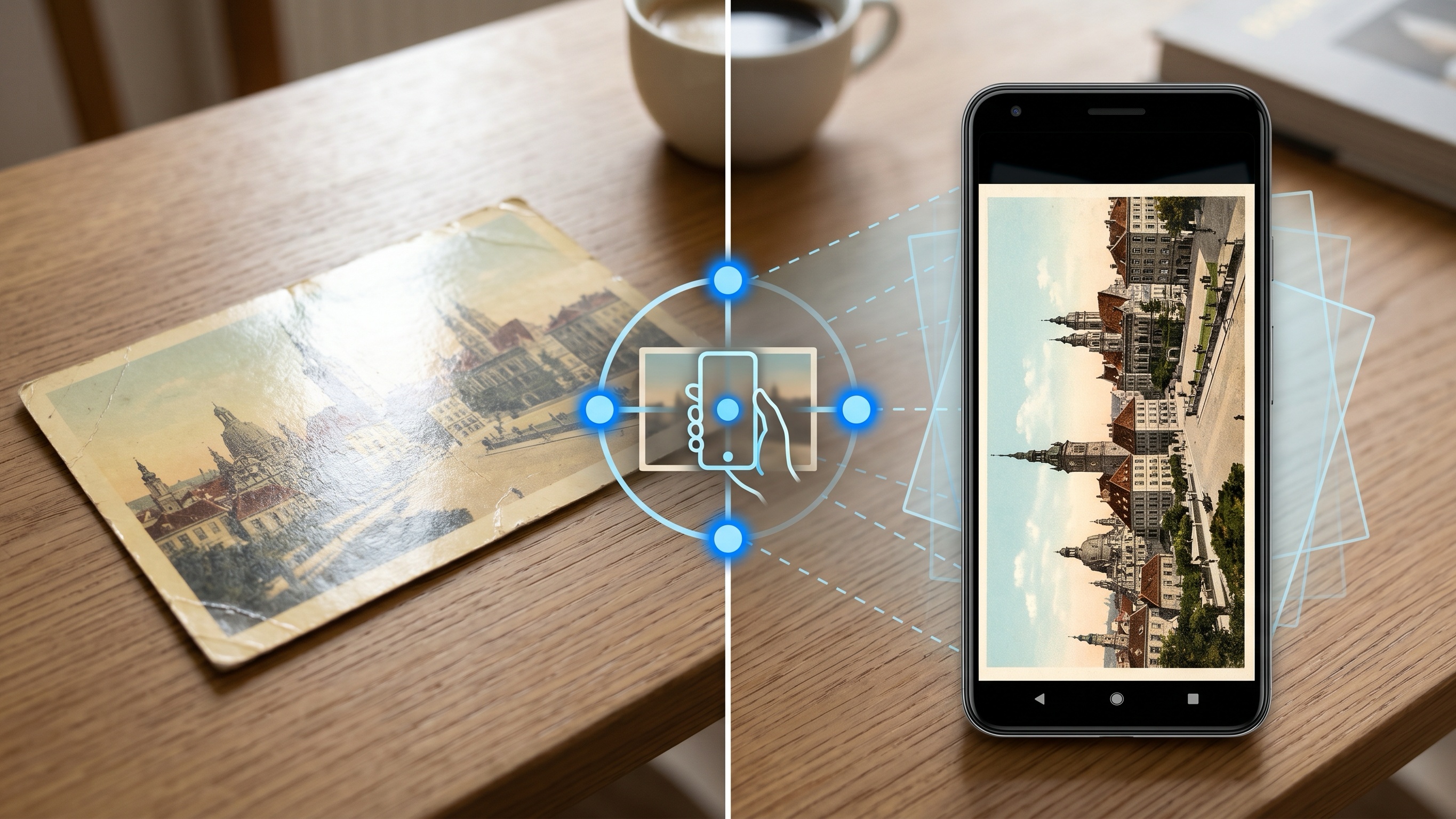
This is where Google PhotoScan shines. Rather than functioning as a traditional document scanner, it focuses on producing high-quality photographic reproductions.
The app's multi-angle capture system is particularly effective at eliminating glare. This makes it ideal for glossy postcards, laminated documents, photographs, greeting cards, and decorative stationery that often produce reflections when scanned with conventional apps.
While it lacks advanced organizational features, the image quality is excellent for preserving the visual character of family keepsakes.
Pros:
Outstanding glare removal
Extremely easy to use
Completely free
Excellent for postcards and photographs
Cons:
No PDF creation or document management features
Not ideal for large multi-page archives
Pricing: Free.
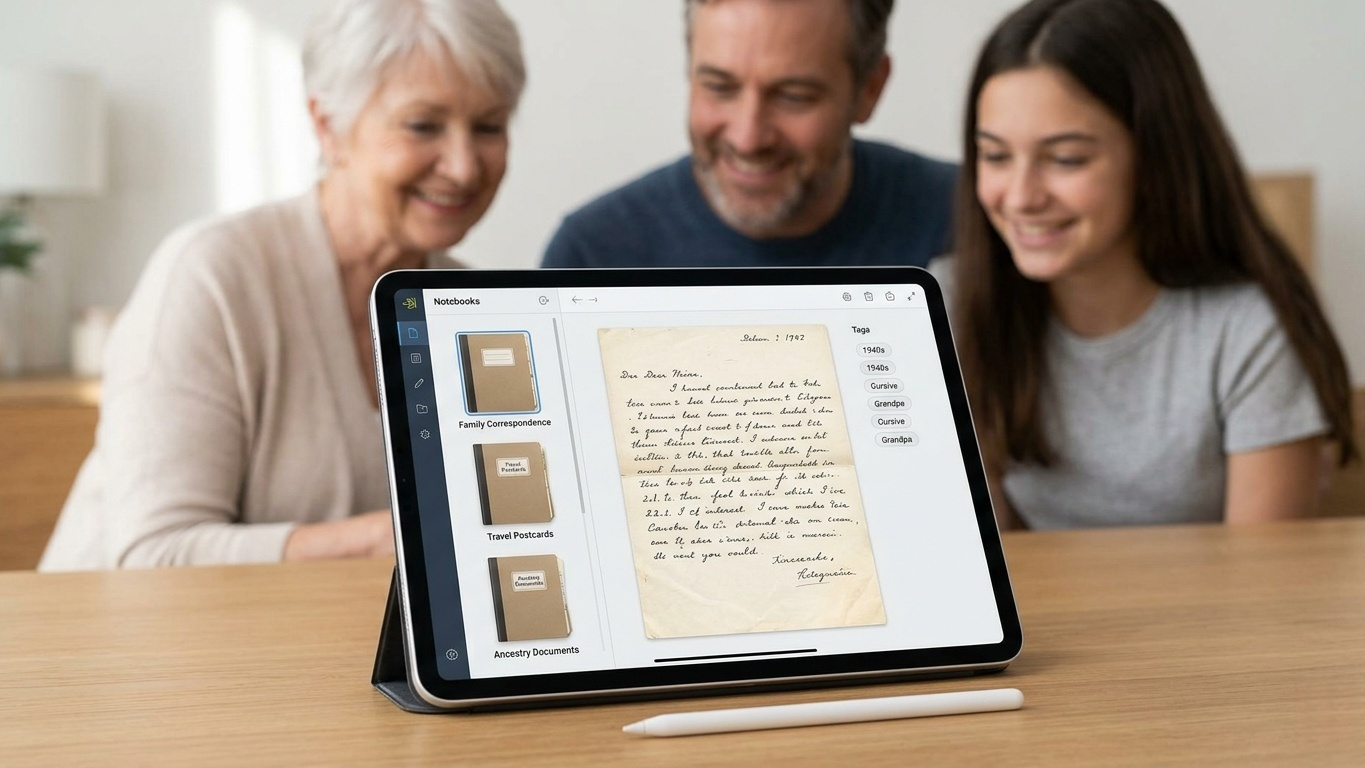
Once you've scanned hundreds of documents, organization becomes just as important as scanning quality.
Evernote's biggest advantage is its ability to serve as a central archive. Rather than storing documents in scattered folders, you can organize letters into notebooks, apply tags, add historical notes, and create a searchable family archive.
Its search functionality works very well for typed text and can recognize some handwriting depending on image quality and writing style. Results vary with older cursive documents, but even partial recognition can save significant time when searching through large collections.
The ability to attach contextual information is particularly valuable. You can add dates, family names, locations, or historical notes alongside each scanned document, turning a simple collection of images into a meaningful archive.
Pros:
Powerful organization tools
Flexible tagging system
Cross-platform synchronization
Excellent long-term archive management
Cons:
Scanning tools are less advanced than dedicated scanner apps
Free plan has storage limitations
Pricing: Free with optional subscription plans.
Genius Scan may not receive as much attention as some competitors, but it remains one of the most reliable scanning apps available.
What makes Genius Scan stand out is efficiency. Its batch-scanning workflow is exceptionally smooth, making it easy to capture lengthy correspondence spanning multiple pages.
During testing, we scanned several multi-page family letters and found the page-ordering tools particularly useful. If pages are captured out of sequence, reorganizing them takes only seconds.
The app also offers a level of export flexibility that power users will appreciate, supporting multiple cloud platforms and file formats without unnecessary complexity.
Pros:
Excellent batch scanning
Fast document processing
Flexible export options
Clean and straightforward interface
Cons:
Some cloud features require a paid upgrade
Fewer archival-focused tools than Evernote
Pricing: Free with optional premium upgrades.
For a project as meaningful as preserving family history, relying on a single app rarely delivers the best results.
Adobe Scan remains our top choice for creating high-quality digital copies and searchable PDFs. SwiftScan is the better option when speed is a priority and you're working through large collections. Google PhotoScan is indispensable for glossy postcards, photographs, and decorative stationery where visual preservation matters more than text extraction.
Once everything has been digitized, Evernote becomes the ideal home for organizing, tagging, and searching your growing archive. Meanwhile, Genius Scan provides one of the most efficient workflows for processing lengthy correspondence and multi-page documents.
Together, these tools transform fragile paper memories into a durable digital archive—one that can be shared with family members, backed up to the cloud, and preserved for generations to come.
After all, preserving family history isn't just about saving documents. It's about ensuring that the stories, voices, and handwriting of the people who came before us remain accessible long into the future.