For dedicated learners, professionals, and academics, digital reading is rarely about casual entertainment. Instead, it is an active pursuit of knowledge—a process of parsing dense textbooks, highlighting core industry concepts, and analyzing academic research papers. The primary friction of digital learning lies in the tools themselves: default reading apps often struggle with complex file types, fail to sync annotations seamlessly across multiple devices, or lock vast catalogs of critical literature behind restrictive, expensive paywalls.
To determine which platforms genuinely solve these logistical challenges, a series of hands-on evaluations were conducted on the top mobile library and e-book reader applications available in the US app stores. We built large cross-format testing libraries, synced annotations across distinct mobile operating systems, and put modern AI-driven contextual assistance tools to the test under real-world conditions. The applications were assessed based on layout customization, file format adaptability, annotation export capabilities, and the depth of their accessible literary collections.
The following mobile reading platforms represent the absolute best tools for transforming a smartphone or tablet into a high-powered personal reference library.
Pricing Model: Completely Free (Requires a valid local public library card)
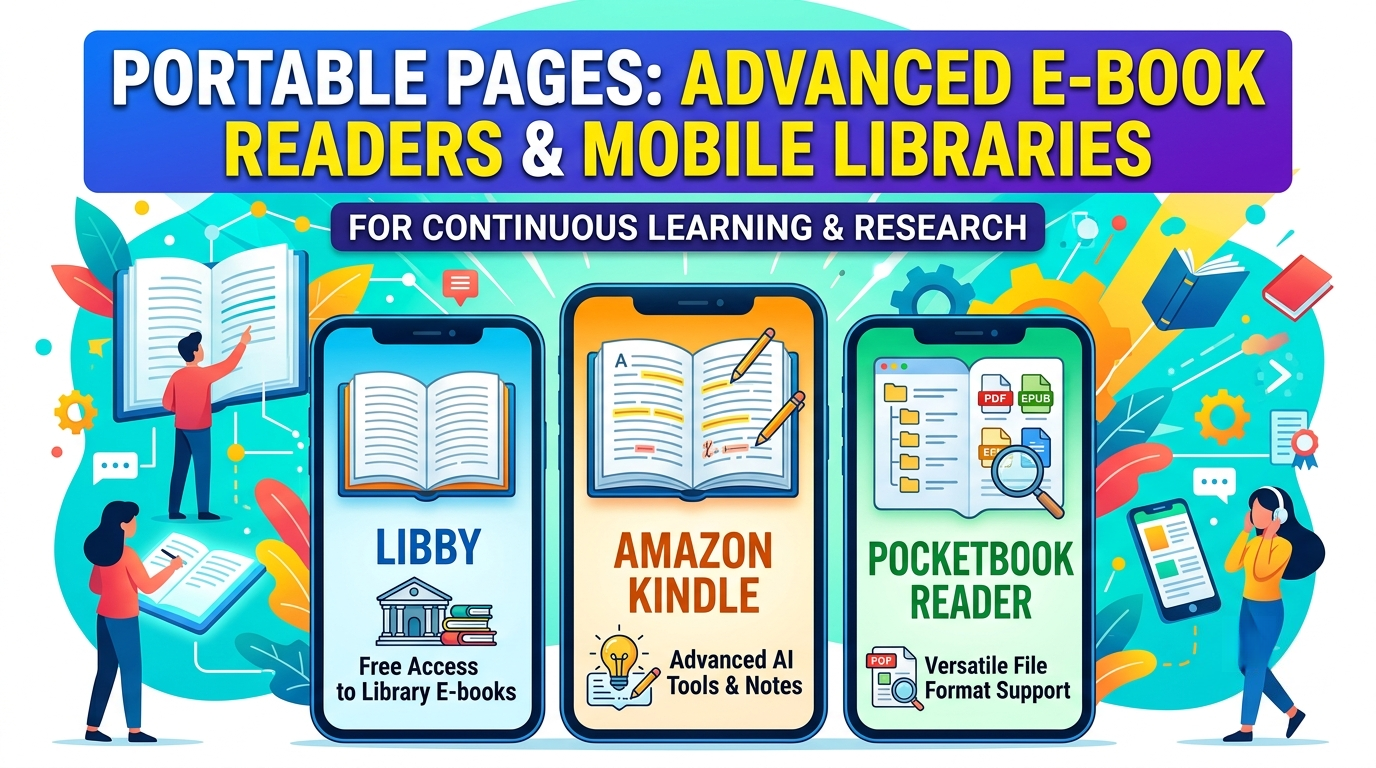
Libby, developed by OverDrive, is the ultimate bridge between premium, high-level educational content and zero-cost accessibility. While commercial platforms charge premium prices for non-fiction manuals and academic resources, Libby hooks directly into your local municipal library network. When testing Libby to track down specialized business strategies and current economic textbooks, the platform delivered an unmatched experience. It functions as a complete, cloud-based media center where you can check out e-books, professional journals, and comprehensive audiobooks in seconds. The core reader engine is incredibly clean, allowing users to seamlessly send borrowed e-books directly to a Kindle device or read them locally with highly responsive typography adjustments.
Pros: Grants 100% free access to massive collections of premium commercial books, current magazines, and audiobooks without hidden upsells or subscription tiers. Features an exceptionally smooth UI and zero late fees.
Cons: Because it operates on a traditional library lending system, popular educational titles frequently have long digital waitlists, preventing instant access to critical learning materials. Book selection is also completely dependent on the budget and curation of your local public library system.
Pricing Model: Free base app; individual e-book purchases or optional Kindle Unlimited subscription ($11.99/month).
The Amazon Kindle app is an absolute powerhouse for serious research and note-taking, heavily upgraded with state-of-the-art AI-driven reading features. When testing the app's newly deployed US feature set, the "Story So Far" and "Ask This Book" tools completely transformed how we interacted with dense informational texts. If you are parsing an complex 800-page historical or technical volume, you can use the integrated AI assistant to query the text directly—asking for spoiler-free recaps or immediate contextual breakdowns of a specific theory without losing your place. Furthermore, the app's robust annotation tracking architecture automatically aggregates your notes, allowing you to instantly review, categorize, and export your highlighted data directly to external productivity tools or your email.
Pros: The largest commercial ecosystem of English-language books, academic textbooks, and independent technical guides on earth. The cutting-edge AI contextual tools are incredibly useful for breaking down complex non-fiction structures.
Cons: The application does not support native e-book file importing for formats outside of Amazon's ecosystem (such as raw EPUBs or heavy PDFs) without utilizing a multi-step "Send to Kindle" browser workaround. Additionally, iOS users cannot purchase books directly inside the app due to App Store fee disputes, forcing a clunky detour to a mobile browser.
Pricing Model: Completely Free
PocketBook Reader is the ultimate utility knife for academics and professional learners who maintain an extensive, multi-format personal database of files. While mainstream readers choke on non-standard document extensions, PocketBook flawlessly opens a staggering 19 distinct book formats—including EPUB, MOBI, PDF, DjVu, and even comic CBR/CBZ files. During active testing with heavily formatted, multi-column medical PDFs and technical engineering whitepapers, the app's "PDF Reflow" capability performed beautifully. It dynamically rearranges dense text and scales diagrams to fit a standard smartphone screen perfectly, eliminating the exhausting necessity of constant double-tapping, pinching, and horizontal scrolling. It also features a built-in Text-to-Speech engine that can read your uploaded text files aloud when you need to switch to audio learning on the move.
Pros: Absolute format versatility with total support for Adobe DRM-protected documents and network directories (OPDS). Seamless cloud synchronization of reading positions, custom notes, and highlights across iOS, Android, and E-Ink e-readers.
Cons: The interface is incredibly dense, boasting an array of complex menus, reassigned buttons, and personalization settings that can easily overwhelm a user looking for a simple, minimalist reading experience. Occasional software glitches have been noted following major operating system updates.
Selecting the optimal digital reading environment depends entirely on the composition of your learning materials:
For independent researchers and professionals who have amassed a massive, disorganized library of local PDFs, research whitepapers, and diverse document formats, PocketBook Reader is the definitive choice due to its raw file parsing power and text-reflow capabilities. For budget-conscious learners aiming to read trending business literature and listen to major non-fiction audiobooks entirely for free, Libby provides an unmatched public service.
However, for the comprehensive, modern learner seeking the highest level of cognitive utility, the Amazon Kindle app remains the premier platform. Its flawless annotation export pipelines, coupled with advanced contextual AI tools like "Ask This Book," fundamentally evolve the mobile reading experience. It shifts e-reading from a passive act of visual consumption into an interactive, highly efficient data-mining workstation.
