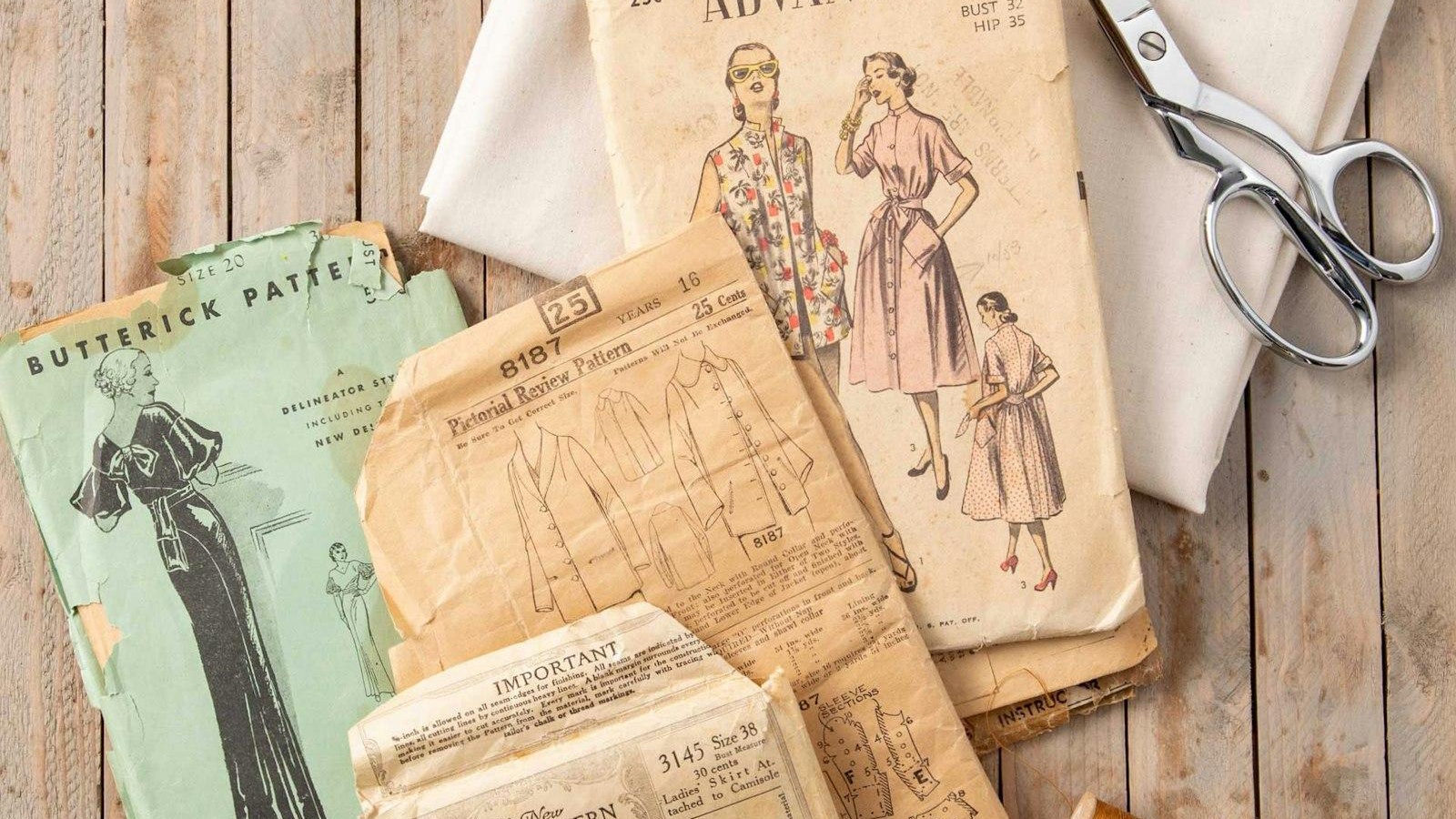
Vintage sewing and knitting patterns are more collectible than ever. Estate sales, antique stores, flea markets, and online auctions continue to uncover decades-old pattern envelopes, knitting booklets, and discontinued publications that many crafters thought were lost forever.
The problem is that physical pattern collections quickly become difficult to manage. Paper deteriorates, envelopes go missing, instructions get separated from pattern pieces, and finding a specific design can turn into a frustrating treasure hunt.
After testing dozens of scanning, organization, and crafting apps, several stood out for helping collectors digitize, categorize, and research vintage patterns efficiently. The evaluation focused on scanning quality, organization tools, search capabilities, archival value, and usefulness for both sewing and knitting enthusiasts.

Pricing
Free version available
Genius Scan+ (one-time purchase)
Genius Scan Ultra (subscription)
The Reality Check: What Actually Works?
Every vintage pattern workflow begins with digitization.
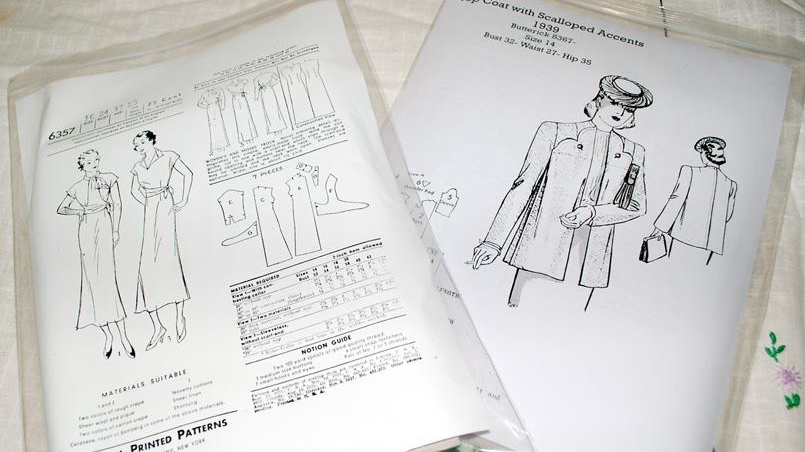
When tested on aging sewing pattern envelopes, folded instruction sheets, and yellowed knitting booklets, Genius Scan consistently produced sharp scans with excellent edge detection. The app automatically crops documents, corrects perspective distortion, and exports multi-page PDFs quickly.
OCR functionality is particularly useful when dealing with vintage instruction sheets because it allows users to search for pattern numbers, garment types, or specific construction techniques later.
For collectors facing hundreds of patterns, this dramatically reduces the time spent digging through physical storage.
Pros
Excellent scan quality
Reliable OCR search
Fast batch scanning
PDF export works smoothly
Available on both iOS and Android
Cons
Advanced features require upgrading
Organization tools are basic
Best paired with a database app
Verdict
For digitizing vintage patterns, Genius Scan is one of the strongest options available today.
Pricing
Free personal plan
Paid subscription plans available
The Reality Check: What Actually Works?
Most serious collectors eventually discover that folders alone aren't enough.
During testing, Notion excelled as a custom pattern database. Users can create fields for:
Pattern number
Publisher
Year
Garment category
Era
Size range
Designer
Scan location
Condition
Completion status
Images, PDFs, notes, and links can all be attached directly to individual entries.
For collections containing hundreds or thousands of patterns, Notion becomes an incredibly powerful archive.
Pros
Highly customizable
Excellent database capabilities
Strong filtering and search
Supports images and PDFs
Generous free tier
Cons
Setup requires effort
No built-in craft templates
Learning curve for advanced databases
Verdict
The best organizational tool for serious collectors.
Pricing
Free plan available
Subscription required for premium features
The Reality Check: What Actually Works?
Vintage pattern research often requires searching large archives quickly.
During testing, Evernote's OCR search proved especially useful. After scanning dozens of pattern instructions, searches for terms such as "sleeve variation," "raglan," or specific pattern numbers frequently returned results instantly.
The tagging system also makes it easy to organize collections by decade, publisher, garment type, or knitting technique.
Pros
Powerful OCR search
Excellent note organization
Flexible tagging
Cross-device synchronization
Good archival capabilities
Cons
Subscription costs add up
Limited database functionality compared with Notion
Storage restrictions on free plan
Verdict
An excellent tool for pattern research and archival searches.
Pricing
Stash2Go: One-time purchase
Ravit: Free with optional premium features
The Reality Check: What Actually Works?
For vintage knitting collectors, access to Ravelry remains invaluable.
When researching old knitting patterns, these companion apps provided convenient access to Ravelry's enormous database of projects, publications, yarns, designers, and historical pattern information.
During testing, many obscure knitting patterns could be identified using community project pages and archived publication data.
Pros
Excellent knitting research tools
Access to extensive Ravelry information
Useful project tracking
Strong yarn inventory support
Cons
Primarily focused on knitting
Less useful for sewing patterns
Requires a Ravelry account
Verdict
Essential for knitters building a vintage pattern archive.
Pricing
Free download
Optional Adobe subscription features
The Reality Check: What Actually Works?
Some vintage patterns are fragile enough that scan quality becomes critical.
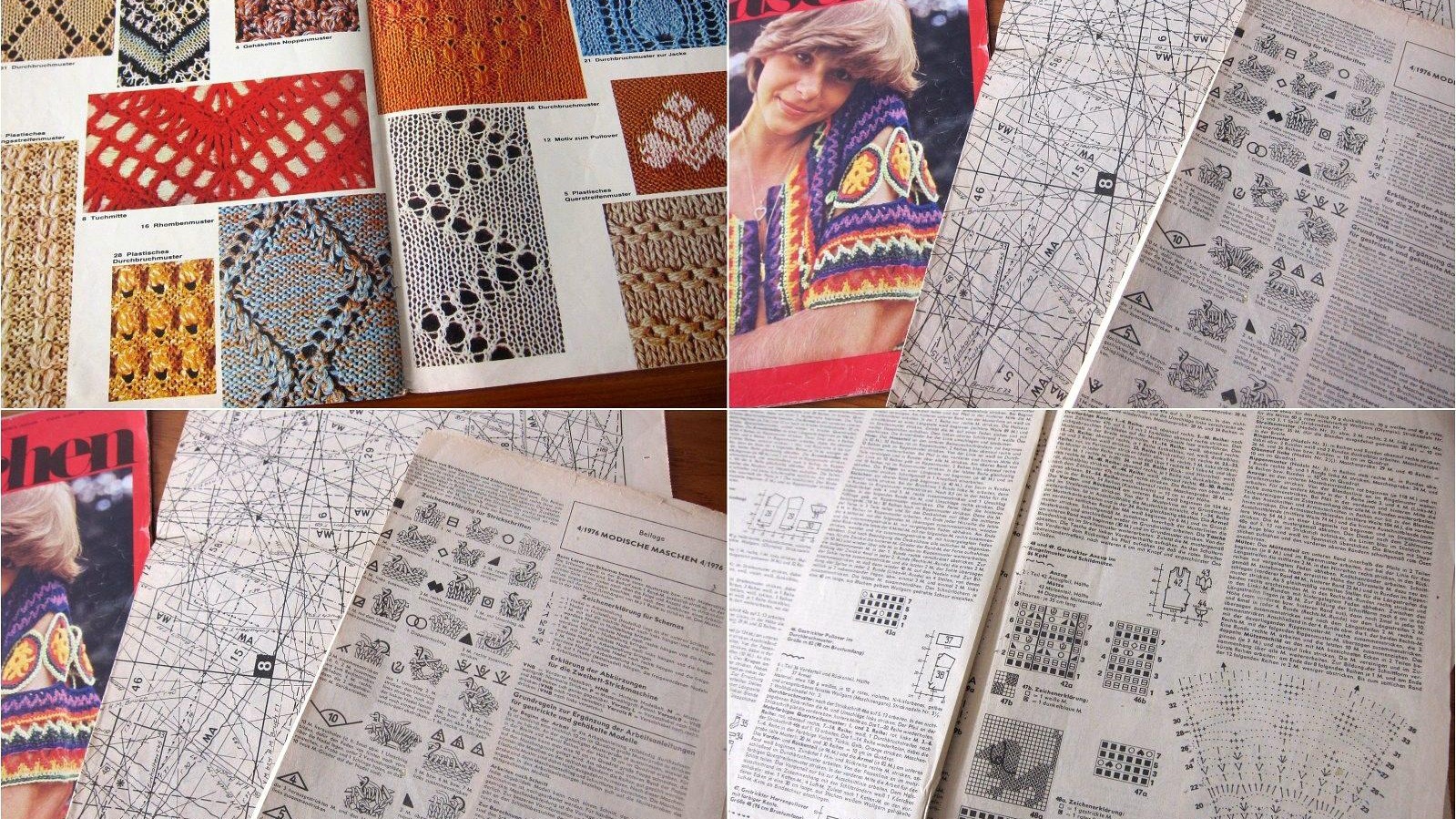
Adobe Scan handled faded instructions, discolored paper, and magazine inserts particularly well during testing. Automatic enhancement often improved readability while preserving original details.
OCR capabilities also make archived instructions searchable, which is invaluable when dealing with large collections.
Pros
Excellent image enhancement
Strong OCR functionality
High-quality PDF creation
Reliable cloud integration
Great for preservation projects
Cons
Premium features require subscription
Limited organization tools
Better as a scanning companion than a collection manager
Verdict
One of the best archival scanning apps available.
Different collectors have different priorities, but one combination clearly stood out during testing.
Best Overall for Vintage Pattern Management
Notion
Its powerful database tools, flexible organization, and support for scanned documents make it the strongest all-around solution for large collections.
Best Scanning App
Genius Scan
Fast, accurate, and reliable for digitizing decades-old pattern documents.
Best Research Tool
Evernote
OCR search capabilities make historical pattern research significantly easier.
Best for Knitting Collectors
Stash2Go / Ravit
Direct access to Ravelry's massive pattern ecosystem is difficult to beat.
Best Preservation Scanner
Adobe Scan
Outstanding image enhancement and document preservation capabilities.
For most collectors in 2026, the most effective workflow is Genius Scan for digitization, Notion for cataloging, and Ravelry companion apps for knitting research. Together, they transform fragile paper patterns into a searchable digital archive that is easier to protect, organize, and enjoy for years to come.