Moving into a new apartment is exciting. The less exciting part is thinking about the security deposit you just handed over and wondering whether you’ll actually see all of it again when the lease ends. A small scratch on the floor, a chipped countertop, or a stain you barely noticed on move-in day can become surprisingly important months later, especially when neither you nor your landlord has a clear record of what the apartment looked like at the start of the tenancy.
That is why move-in documentation matters. A few photos sitting somewhere in your camera roll are better than nothing, but they can be difficult to organize when you need to prove exactly what was there, where it was, and when the photo was taken. Inspection apps take a more structured approach by combining photos with checklists, notes, timestamps, reports, and, in some cases, additional verification features. They are not a guarantee that a deposit dispute will go your way, but they can make the condition of the property much easier to document and discuss later.
Here are several apps designed around that problem, along with the features that may actually be useful when you are standing in an empty apartment with the keys in your hand.
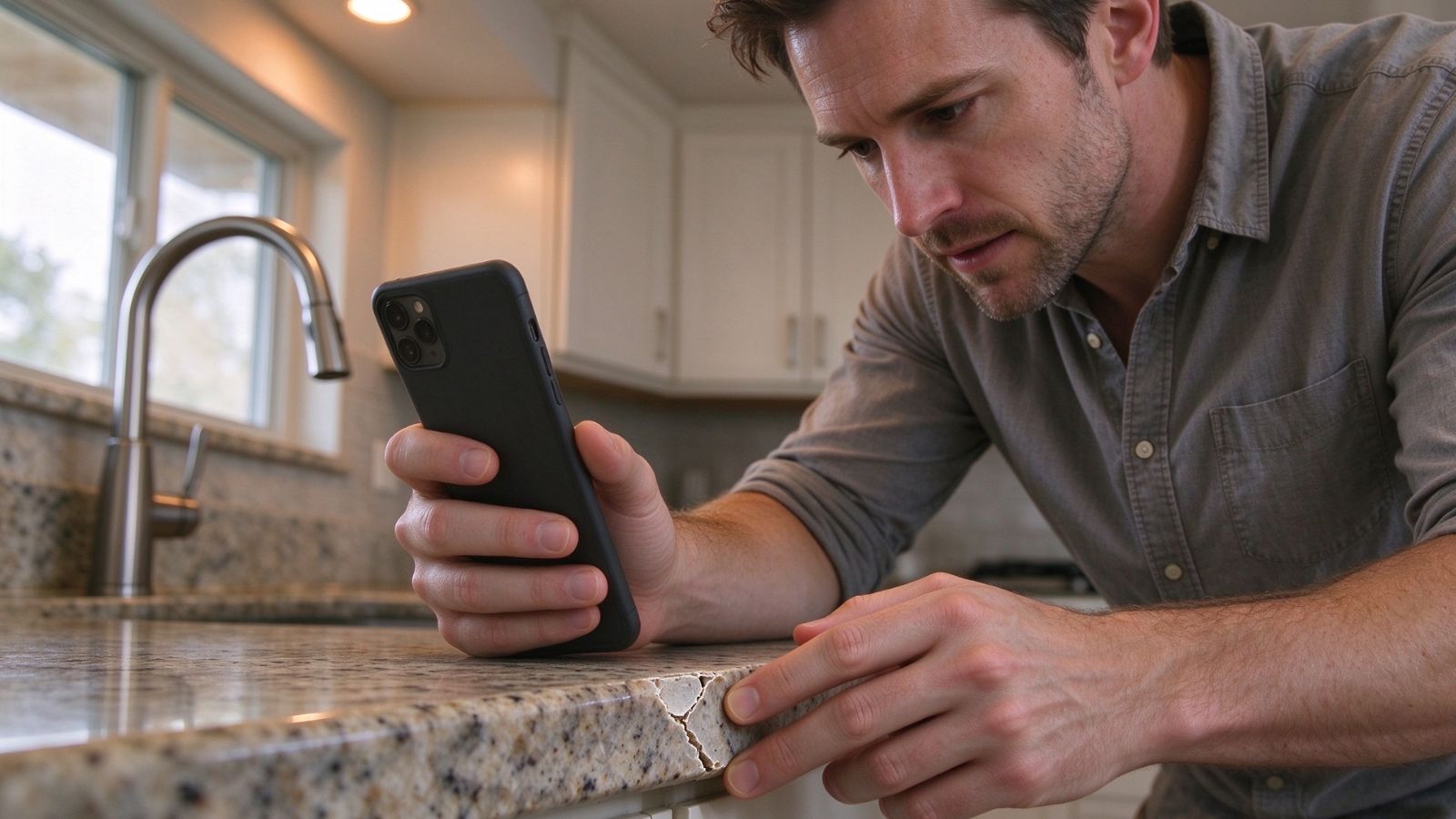
RentCheck is a property inspection platform used by renters and property operators in the United States. Rather than asking you to decide what to photograph and how to organize everything yourself, it walks you through the inspection process room by room.
The main advantage is the structure. RentCheck guides you through different parts of the property so you are less likely to finish the inspection and suddenly realize you forgot the bathroom fixtures, window frames, or damage along the baseboards. Photos and inspection information are recorded as part of the walkthrough, with the completed inspection stored digitally for later reference.
That organization can be particularly helpful when the same property needs to be documented again at move-out. Instead of digging through hundreds of unrelated phone photos, you have a record that was created specifically for the inspection.
Pricing: Free to download and use for residents completing guided walkthroughs.
A guided, room-by-room process makes it easier to work through the apartment systematically rather than relying on memory.
Digital storage reduces the chance of losing the inspection simply because photos were deleted or buried among other files on your phone.
A standardized report can make it easier to share the inspection with a property manager or landlord.
On some commercial properties, the landlord or property manager may need to initiate the inspection template before the resident can begin.
The structured workflow may feel restrictive if you would rather document the apartment using your own checklist and organization system.

MoveProof takes a more evidence-focused approach to rental documentation. It is designed for situations where tenants, landlords, or movers want a detailed record of the property's condition rather than a loose collection of photographs.
Its most distinctive feature is the way it combines photos with identifying information such as the date, time, location, and room. That can be useful when you are photographing a dozen similar-looking issues throughout an apartment and need to establish exactly what each image represents.
The app can also package inspection information into a PDF report, giving you something more organized than a folder full of JPEG files. Its additional features, including voice notes and room measurements, may be useful when a written description alone does not fully capture an issue.
Pricing: A free basic version is available with watermarked reports; the Pro version adds features such as unwatermarked reports, AR room measurements, and voice notes.
Offline functionality can be useful in apartments where cellular service or Wi-Fi is unreliable, such as basements or units with thick concrete walls.
A move-in and move-out comparison can make changes easier to identify.
Voice notes provide a quicker way to describe complicated damage while you are walking through the property.
Watermarks on reports in the free version may be inconvenient if you want a polished document for your records.
If much of your documentation remains stored locally, you may need to be more careful about backing up and organizing the files yourself.
TenantCircle is designed for iPhone users who want to create a digital record of their rental from the beginning of the lease and refer back to it later.
The interesting part is the connection between the beginning and end of the tenancy. Rather than treating the move-in inspection and move-out inspection as two unrelated events, its lease comparison workflow is designed to bring those records together.
That matters because the question at the end of a lease is rarely just, “What does the apartment look like now?” The more useful question is, “What changed?” A system that keeps those two inspection points together can make that comparison easier and can produce a PDF report showing the documented condition over time.
Pricing: Free checklist resources are available; single inspection reports start around $14.99, while complete lease comparison packages are offered for a one-time fee of $19.99 rather than through a subscription.
Photos, notes, and other inspection details stay associated with the same property record.
One-time pricing may be preferable for renters who do not want another recurring subscription.
Digital sharing makes it relatively simple to provide a landlord with a copy of the inspection record.
Its availability is primarily focused on iOS, which leaves Android renters looking for another option.
Professional, export-ready PDF reports require a paid option.
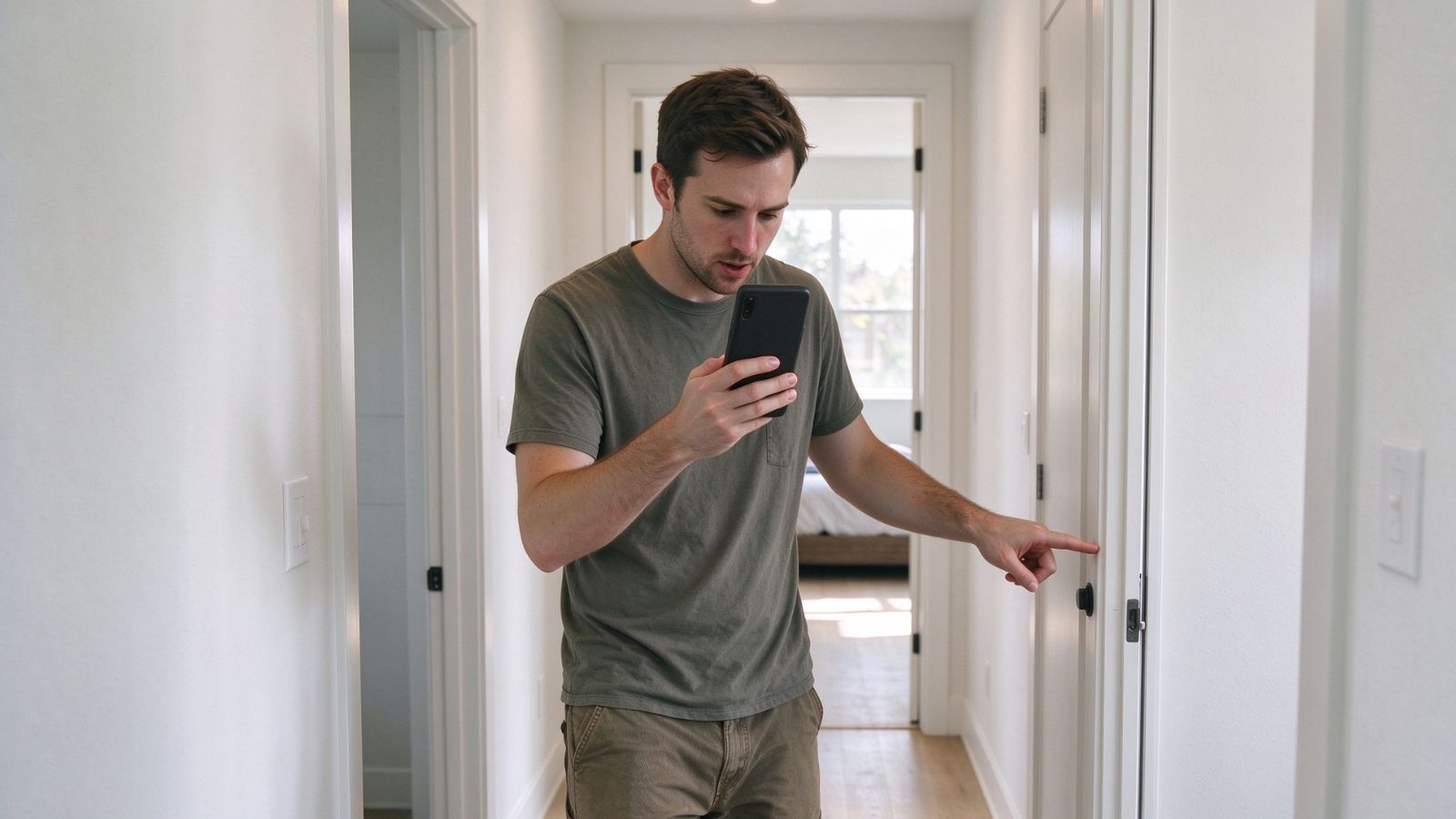
MyWalkThru focuses on inventory and condition documentation, with an emphasis on making the inspection process less tedious. That can be useful on move-in day, when you are already dealing with boxes, paperwork, utility accounts, and a dozen other details.
The standout feature is voice-to-text documentation. Typing a description for every scratch, dent, stain, or damaged fixture can turn a 20-minute inspection into a much longer chore. With voice input, you can walk through the apartment, describe what you see, and associate those notes with the corresponding rooms and photos.
For renters who would rather talk than type, that small difference can make it much easier to document the apartment thoroughly instead of rushing through the process just to get it over with.
Pricing: Free to download and use for standard tenant inventory reporting.
Voice-to-text notes can significantly reduce the amount of typing required during a walkthrough.
The interface is designed to keep the inspection process relatively straightforward for first-time renters.
PDF photo reports provide a more organized record than keeping individual images and notes separately.
Preset checklist questions may not always fit unusual layouts, particularly in older or renovated apartments with features that do not follow a standard floor plan.
The app cannot compensate for incomplete documentation. You still need to make sure you photograph important areas and record problems clearly.
An inspection app is only as useful as the inspection you put into it. The temptation on moving day is to take a few wide-angle photos, check the box that says everything looks fine, and get on with unpacking. That is exactly when small details tend to disappear from memory.
Walk through the apartment slowly. Photograph existing scratches, stains, dents, chipped paint, damaged flooring, worn fixtures, appliance problems, and anything else that does not look the way you would expect it to look in a freshly prepared rental. Wide shots are useful for showing where a problem is located, while closer photos can capture the actual condition of the damage.
Pay attention to the things that are easy to overlook, too: inside cabinets, closet floors, window frames, doors, bathroom fixtures, appliances, and areas behind or underneath furniture that is already in the unit. If something is difficult to photograph clearly, add a written or voice note explaining what you found.
Most importantly, keep a copy of the completed inspection and any related communication. An app can organize the evidence, but it does not replace your own responsibility to keep the records somewhere you can access them later.
Not necessarily. A phone camera, a detailed checklist, and reliable file storage can accomplish much of the same basic goal. If you are comfortable creating folders, labeling photographs, recording dates, and keeping copies of your documentation, you may not need another app at all.
The advantage of a dedicated inspection tool is convenience and structure. Instead of building your own system from scratch, you get a workflow designed around rental inspections, often with reports and comparison features included. For renters who have never documented a property before, that guidance can be valuable.
There is also an important distinction between having documentation and having a guarantee. No app can promise that a landlord will return a security deposit in full, and a digital timestamp or inspection report does not automatically settle a disagreement. Local landlord-tenant laws, the terms of the lease, the nature of the damage, and the evidence available to both parties can all matter if a dispute arises.
The best inspection app is ultimately the one that makes you more likely to document the apartment carefully and keep those records somewhere safe. RentCheck may make sense for renters whose property manager already uses its inspection system, while MoveProof puts more emphasis on detailed photo documentation and offline use. TenantCircle focuses on connecting move-in and move-out records, and MyWalkThru can save time for people who prefer speaking their notes rather than typing them.
But the app itself is only part of the equation. The most valuable step is still the simplest one: document the apartment before you settle in. Spend the extra time photographing existing problems, recording details that are easy to forget, and keeping a copy of everything you submit. Months later, when you are standing at the end of your lease trying to remember whether that scratch was already there, those records can be far more useful than your memory.
