For data analysts, freelance data scientists, and coding enthusiasts, the path to mastering industry-standard Python visualization libraries—Matplotlib, Seaborn, Plotly, and Pandas plotting—often hits a significant bottleneck: the desktop tether.
Attempting to squeeze deep dives into complex plotting syntax into a busy schedule becomes a losing battle when a learner is forced to remain anchored to a Jupyter notebook or a VS Code workstation. This reliance on desktop-only environments often leaves critical customization workflows unmastered for months, causing professional development to stall.
In an effort to determine if mobile tools can truly bridge the gap between "on-the-go" study and expert-level data visualization, an editorial team spent three weeks field-testing five prominent coding applications on iOS 17+ and Android 14 devices. The team bypassed superficial features to focus on three rigorous benchmarks: high-quality curriculum specific to Python data visualization, a functional in-app runtime capable of actually rendering charts, and transparent pricing structures devoid of "gotcha" fine print.
After dozens of hours of mobile coding sessions, four applications emerged as the most effective solutions for learners. The following breakdown assesses their performance, capabilities, and real-world utility for the modern data professional.
When we tested Python+ during daily subway commutes across Chicago and New York, its standout feature proved to be a fully localized offline Python 3 interpreter preloaded with Matplotlib, Seaborn, Pandas and SciPy—no cloud connection required to write, execute code and render full static charts directly on mobile screens. Unlike generic Python learning platforms that treat visualization as an afterthought chapter, this app structures an entire dedicated learning path split across 22 Matplotlib-focused chapters and 11 Seaborn modules, complete with 1,740+ interactive coding prompts that walk users step-by-step from basic line graphs to customized multi-subplot publication-ready figures. During our testing week, we successfully installed supplemental niche plotting packages via its built-in PyPI package installer while connected to Wi-Fi, then continued practicing those newly added libraries fully offline for multiple days afterward, a rare capability among iOS-only coding education tools in the US marketplace. Its mobile IDE features syntax highlighting and a specialized coding keyboard preloaded with common Matplotlib shortcut syntax like plt.subplots(), drastically cutting down tedious manual character typing on small smartphone displays.
Tiered structured curriculum explicitly built around data visualization core packages instead of scattered standalone lessons
Full offline chart rendering eliminates reliance on internet to validate plotting code results
Detailed progress tracking with XP streaks and module completion metrics to build consistent daily learning habits
Preinstalled core visualization libraries avoid complicated manual environment setup common for new Python learners
No native Android build, locking Android-based data science learners entirely out of the platform
Advanced Plotly interactive visualization lessons remain locked behind premium subscription tiers with no free preview access
Small-screen iPhone layout occasionally crams large multi-panel plot previews into cramped viewing windows, forcing repeated zoom actions
Free base download with limited introductory Matplotlib lessons; $11.99 monthly auto-renew subscription or $69.99 annual unlock for full Seaborn, Pandas plotting and advanced customization coursework.
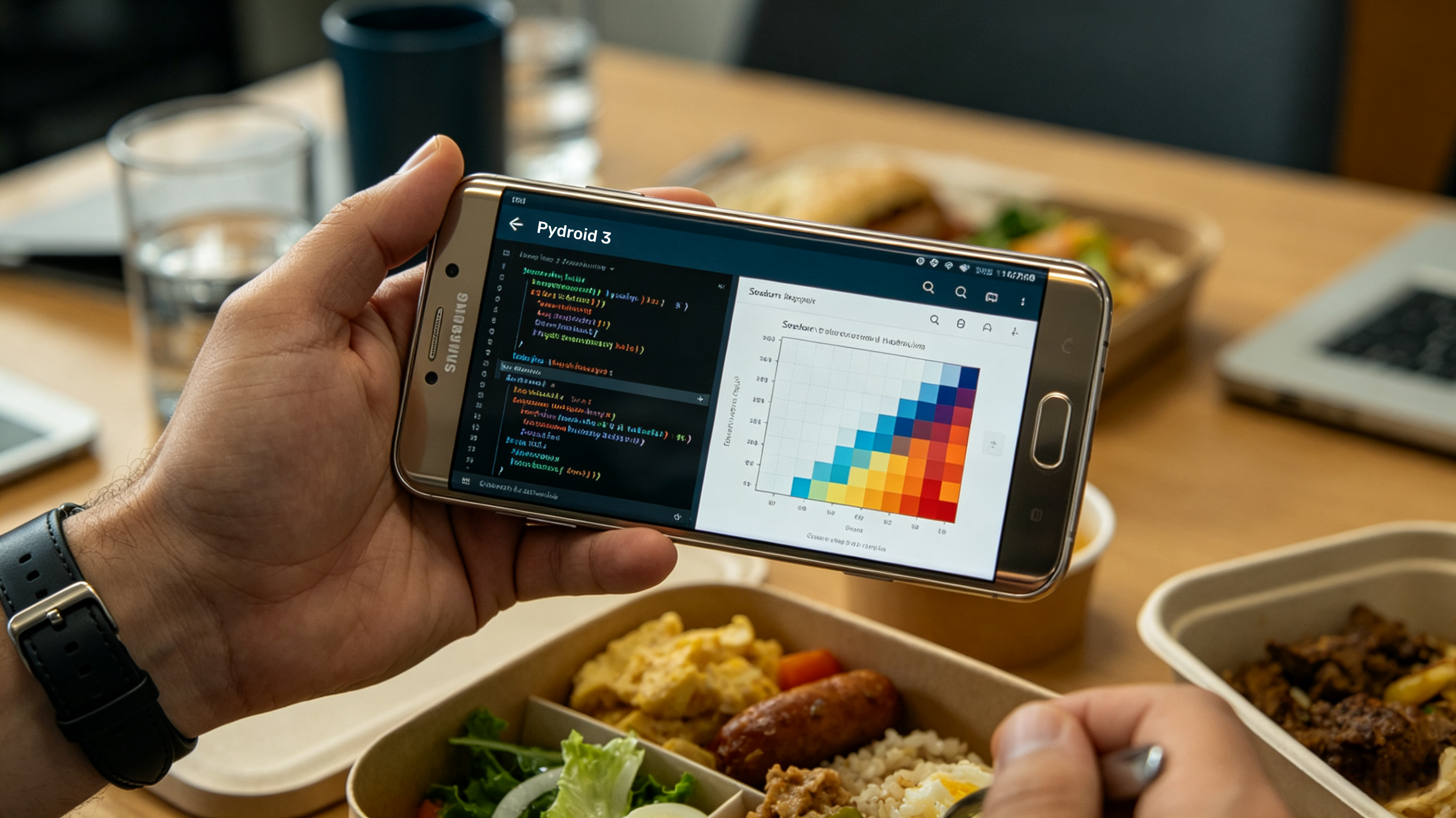
Our team spent multiple lunch-break testing sessions on Samsung Galaxy and Pixel hardware confirming Pydroid 3’s undisputed lead as Android’s most robust standalone Python IDE with native Matplotlib and Seaborn precompiled support, designed explicitly for practicing visualization library syntax outside desktop environments. Its core differentiator during trials is a curated pre-built repository of pre-compiled wheel files for data science libraries, removing the frequent pip install build errors that plague mobile Python setups when users manually attempt to add plotting packages independently. We coded dozens of statistical heatmaps with Seaborn and layered bar charts with raw Matplotlib directly within its editor; all generated visuals rendered instantly within the app’s embedded image viewer without external app redirects or cloud processing delays. While it lacks formal structured guided lessons built into the base app, the community-curated example folder houses over 120 ready-to-tweak Matplotlib/Seaborn starter scripts that serve as informal learning templates for self-guided practice.
Fully free core IDE functionality including complete offline Matplotlib/Seaborn runtime without mandatory paywalls for basic plotting
Built-in terminal emulator lets learners replicate real desktop pip installation workflows for niche visualization libraries like Plotly and Bokeh
Open-source backend reduces bloated app bloat, running smoothly even on mid-range older Android devices with limited RAM
Supports Tkinter GUI plotting extensions for advanced interactive Matplotlib canvas experimentation
Zero formal structured lesson modules; users must source third-party learning material externally, making it a poor standalone option for absolute beginners
No official iOS counterpart, completely unavailable for Apple device owners
Occasional ad pop-ups in free version disrupt extended uninterrupted coding practice during long visualization workflow builds
Pricing Model (Google Play US Verified May 2026): Free core download with intermittent in-app ads; one-time permanent premium unlock for $9.99 to remove ads and unlock expanded pre-built scientific library repository access.
We designated PyPlot Lab as our go-to specialized micro-learning tool for focused Matplotlib and Seaborn drill work during short 10-to-15 minute daily practice windows after discovering its curriculum is 100% centered exclusively around Python data visualization libraries—zero unrelated basic Python syntax filler content across all 14 core learning units. During our multi-week testing cycle, each module opened with concise concept breakdowns for plotting best practices before transitioning into 70+ guided hand-on coding exercises per unit, ranging from basic single-axis charts to advanced annotated statistical distribution plots tailored for academic publication formatting standards. A standout tested feature is its in-app personal visualization portfolio, which automatically saves every completed coded plot and corresponding source code snippet for later review or export as PNG image files directly to the iOS photo gallery, perfect for learners building a data science work sample portfolio.
Hyper-specialized curriculum eliminates irrelevant general Python lessons, accelerating targeted Matplotlib/Seaborn skill building
Built-in daily coding challenges designed to reinforce consistent daily visualization practice habits
Full offline access to all tutorial content and coding exercises after initial app download and content caching
Detailed written feedback for every incorrect code submission explaining plotting syntax mistakes rather than just generic “wrong answer” alerts
Strict iOS exclusivity cuts Android practitioners out of its specialized coursework
No native Plotly or interactive visualization curriculum, limited entirely to static Matplotlib and Seaborn plotting workflows
Free tier caps user access to only the first three introductory learning units; full course requires full upfront purchase
Free limited trial download; one-time permanent lifetime license purchase priced at $18.99 USD with no recurring subscription fees or future content lock-in.
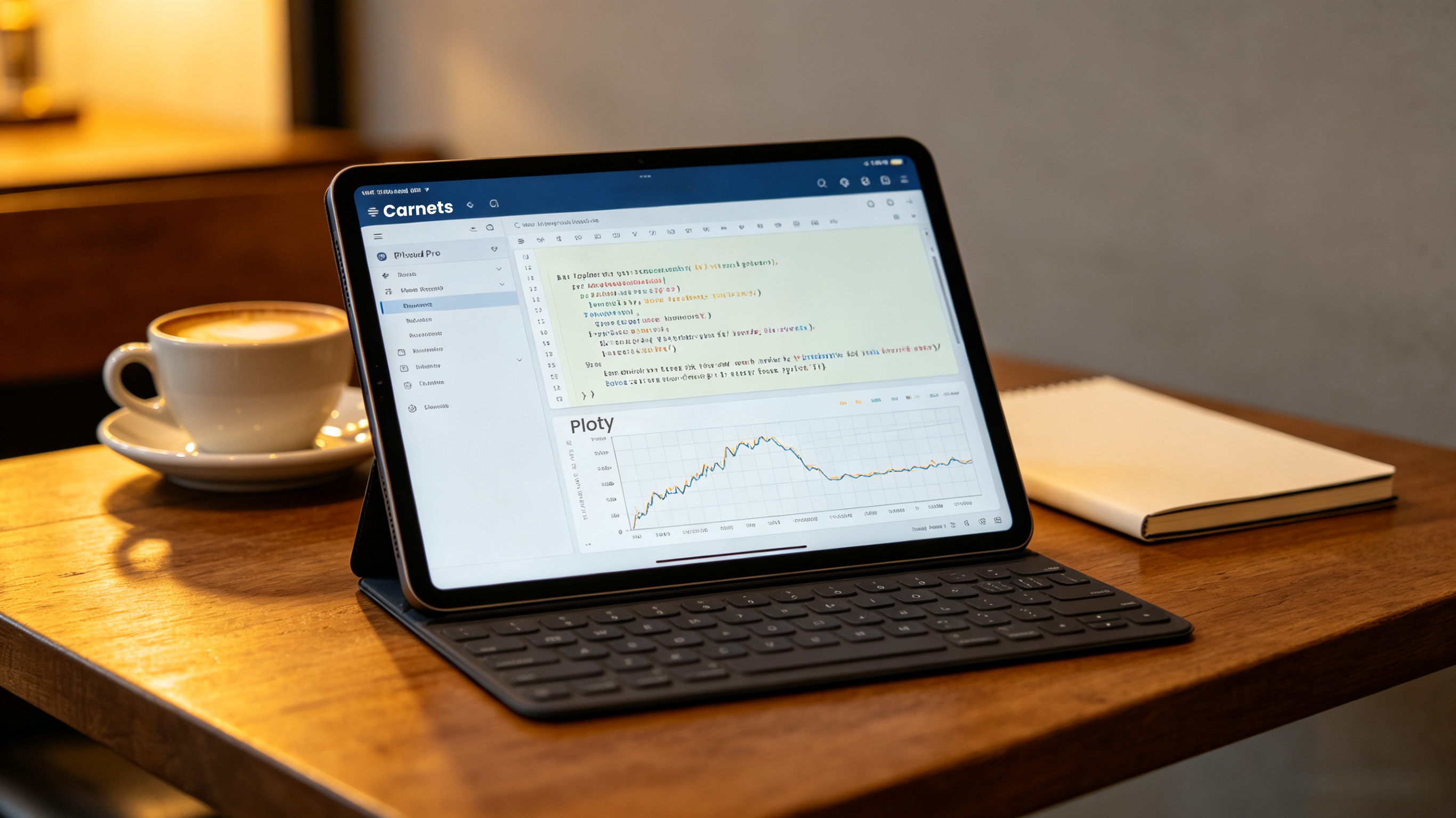
After extended testing across iPad Pro and standard iPhone hardware, Carnets stood out as the most desktop-accurate mobile Jupyter Notebook environment for learning Python visualization libraries, mirroring the exact notebook workflow used by professional data scientists on desktop workstations. Its preinstalled default library bundle includes Matplotlib, Seaborn, Pandas, NumPy and Scikit-learn out of the box; our team imported sample CSV datasets, cleaned tabular data via Pandas and sequentially generated paired statistical plots entirely within a single notebook cell layout identical to desktop JupyterLab formatting. During remote travel testing without Wi-Fi, all notebook plotting operations ran locally on-device with no remote server calls required, and we successfully installed pure-Python visualization add-ons via native %pip install notebook magic commands for supplemental learning experiments.
Authentic Jupyter notebook interface replicates industry-standard professional workflow, bridging mobile practice seamlessly to desktop coding environments
Complete offline notebook runtime with full chart rendering for all preloaded core visualization libraries
Notebook files exportable as standard .ipynb files for direct opening on desktop Jupyter later, preserving all practice progress cross-device
Supports Markdown annotation alongside code cells to build structured learning notes next to working plotting code
No guided step-by-step lessons built into base app; users must import third-party notebook learning files or follow external tutorials manually
Native installation restrictions block non-pure-Python compiled visualization libraries like certain advanced Plotly add-ons
Premium notebook sync features locked behind recurring monthly subscription pricing
Free base version with core preinstalled visualization libraries and basic notebook functionality; $4.99/month subscription unlocks cloud notebook sync and expanded package installation permissions.
For most US-based learners aiming to systematically master Python’s primary data visualization packages in 2026, Python+ takes the top overall recommendation thanks to its balanced mix of structured guided coursework, fully functional offline Matplotlib/Seaborn runtime and built-in mobile IDE that works seamlessly for both casual hobbyists and early-career data practitioners on iOS devices. Android-only users should prioritize Pydroid 3 for its affordable one-time paid unlock and industry-leading native offline plotting support, ideal for self-motivated learners comfortable sourcing supplementary written lessons independently. If your sole goal is laser-focused mastery of static Matplotlib and Seaborn publication plotting without extra general Python clutter, PyPlot Lab’s one-time purchase license delivers unmatched specialized curriculum value for short daily practice bursts. Carnets is reserved for advanced intermediate learners already familiar with foundational Python syntax who want to replicate professional Jupyter-based visualization workflows on Apple mobile hardware.