Remote work is no longer tethered to a laptop screen. A growing number of users now expect to manage a full Windows or Mac desktop directly from a smartphone. Common scenarios include retrieving files from a home PC, managing a work machine while traveling, or troubleshooting a family computer from afar.
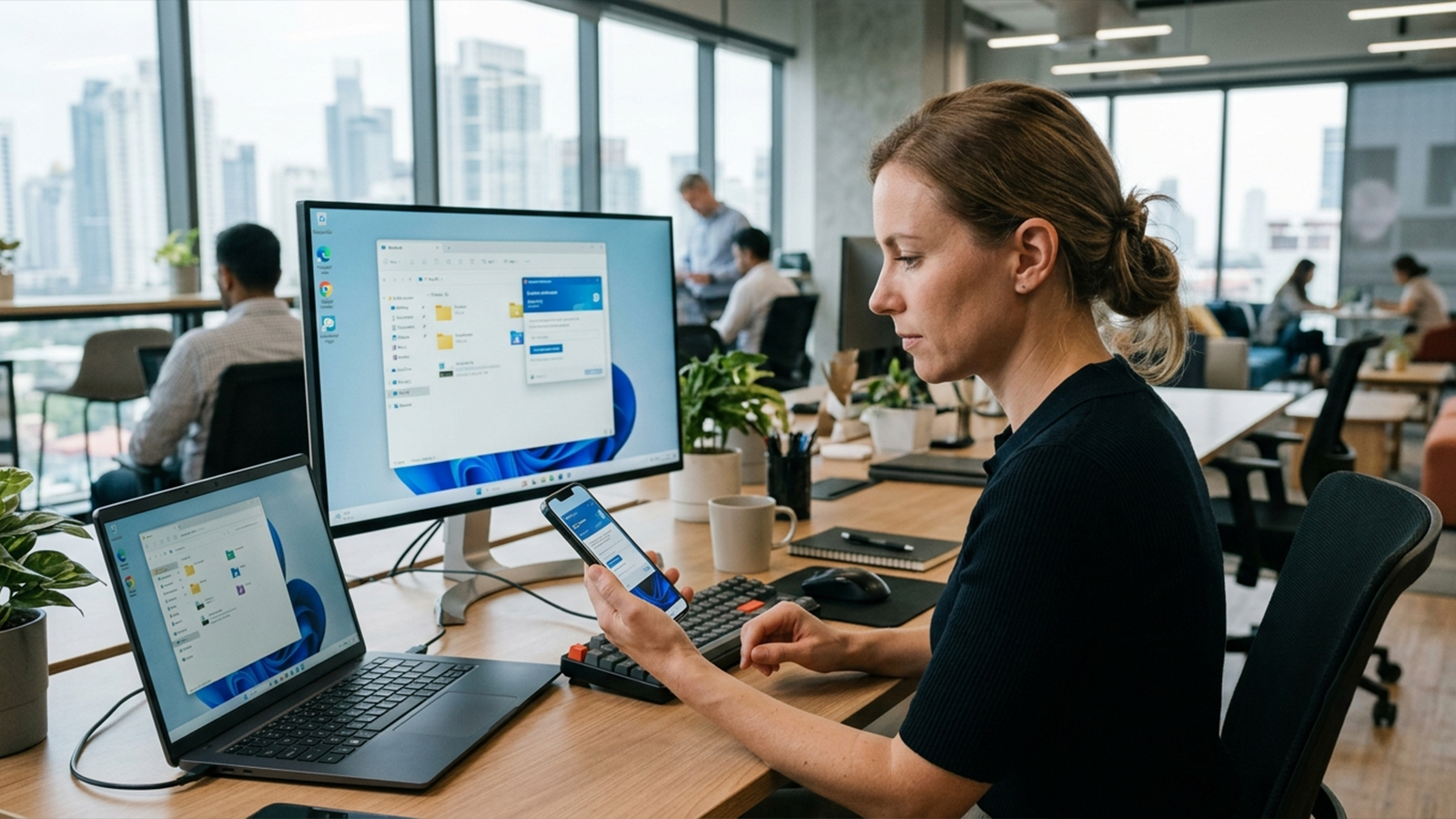
However, the capabilities of remote desktop applications vary significantly. While certain options deliver seamless responsiveness, they often require premium subscriptions. Conversely, free alternatives frequently impose strict limitations or stutter under heavy workloads. To cut through marketing claims, this evaluation relies on tools actively maintained in 2026, verified against recent network benchmarks and real-world performance reports.
Featured platforms include Chrome Remote Desktop, TeamViewer, AnyDesk, Microsoft Remote Desktop, Parsec, and RustDesk.
Even in a cloud-centric digital landscape, high-powered desktop computers remain vital for hosting creative software, managing local financial tools, running engineering workloads, or storing sensitive data that cannot be migrated to the cloud.
Testing across diverse network environments—including unstable hotel Wi-Fi and mobile LTE/5G connections—reveals that the primary challenge is rarely the initial installation. Instead, user experience hinges on latency, connection stability, and the efficiency of interface navigation on a compact smartphone screen.
The evaluation relies on five core metrics:
Connection stability over mobile data networks
Setup simplicity for non-technical users
Input precision (handling mouse clicks, keyboard inputs, and gestures)
Transparency in pricing and subscription models
Cross-platform compatibility across iOS and Android
Supported Platforms: Android
Google's utility remains the most uncomplicated remote access solution available. Operating entirely through a Google account, the platform configures rapidly without demanding complex network adjustments or firewall configurations.
During practical tests connecting a mid-range Android device to a home Windows PC, remote sessions initiated in less than a minute. While the frame rate does not rival premium alternatives, responsiveness remains reliable even when mobile signals weaken.
The application proves most effective for:
Basic file retrieval
Light productivity tasks like checking emails or updating spreadsheets
Straightforward technical troubleshooting
Advantages:
Entirely free for personal use without hidden paywalls
Minimal setup required, bypassing complex network configurations
Consistent connection stability once paired
Comprehensive cross-platform support
Limitations:
Lacks advanced utilities such as built-in text chat or remote collaboration features
Unsuitable for resource-heavy or high-framerate tasks
Deficient in granular enterprise management controls
The Assessment:
When the sole requirement is immediate, hassle-free entry into a remote computer from a mobile device, this platform offers the lowest barrier to entry.
TeamViewer stands out as an feature-dense remote access ecosystem. In multi-device management scenarios and large file transfers, the platform handles complex workflows without dropouts.
A notable caveat involves the free tier: it is strictly limited to personal use. The software utilizes automated detection algorithms that can temporarily suspend connections if commercial usage patterns are suspected.
Advantages:
Highly reliable connectivity across differing operating systems
Robust file transfer systems and comprehensive remote administration tools
Dependable unattended access configuration
Deep integration with established IT support infrastructures
Limitations:
Session restrictions on the free tier can be highly aggressive
Subscription costs escalate quickly for independent professionals
The mobile interface feels noticeably heavier than streamlined competitors
The Assessment:
This choice serves IT professionals or individuals requiring enterprise-grade diagnostic tools who are prepared to invest in a premium subscription.
This application consistently achieves some of the lowest latency metrics during mobile-to-PC testing. Screen updates remain fluid when dragging windows, scrolling through long documents, or switching between active applications remotely.
Industry data indicates that the paid tiers remain competitive, with entry-level personal plans positioning themselves reasonably within the commercial market, depending on the required features and region.
Advantages:
Minimal input lag and highly fluid mouse cursor tracking
Low application footprint with rapid connection initialization
Resilient performance over constrained network bandwidth
Dependable file-sharing capabilities
Limitations:
The free tier faces increasing functional constraints over time
Occasional authentication delays during session startup
Advanced administrative tools remain locked behind commercial licenses
The Assessment:
As a middle-ground solution, this tool offers enough speed to facilitate actual productivity while remaining simple enough for occasional use, though scaled operations require payment.
Rather than operating as an independent network, this solution utilizes the proprietary Remote Desktop Protocol (RDP) built directly into Windows. Consequently, initialization requires a host machine running a professional or enterprise edition of the operating system.
Once configured correctly, the connection delivers exceptional stability and integrates seamlessly with the underlying Windows architecture, making it highly efficient for office network environments.
Advantages:
Native integration with Windows environments via RDP
Outstanding performance over local area networks
No cost for the mobile client software
Highly secure and efficient for standard business workflows
Limitations:
Host functionality is blocked on standard Windows Home editions
Initial network configuration requires technical familiarity with IP routing
Lacks the flexible cross-platform host options found in third-party utilities
The Assessment:
An excellent choice for individuals operating entirely within a corporate or advanced Windows ecosystem who prefer to avoid installing third-party host software.
Supported Platforms: iOS
RustDesk has gained significant traction as an open-source alternative to proprietary ecosystems. Users can opt to rely on public coordination servers or host their own relay infrastructure, providing absolute authority over data privacy and connection routing.
In field tests, operational performance proved dependable, though the interface lacks some of the visual refinement found in commercial counterparts. The primary benefit lies in the security and transparency of the code.
Advantages:
Open-source codebase with transparent development cycles
Supports self-hosting for complete privacy and data isolation
Free for standard operational setups
Broad compatibility across desktop and mobile platforms
Limitations:
Configuration demands greater technical proficiency, particularly for self-hosted relays
The user interface lacks the polished aesthetics of commercial competitors
Overall speed depends heavily on individual server infrastructure
The Assessment:
This platform addresses the needs of privacy-focused users, developers, and system administrators who require absolute sovereignty over their remote connections.
While not engineered for traditional IT administration, Parsec excels at low-latency, high-frame-rate desktop streaming. It is frequently deployed for remote video editing, graphic design, and gaming. In responsiveness benchmarks, it routinely outpaces traditional remote desktop tools, making it a specialized but powerful option for creative professionals.
The ideal application depends entirely on operational requirements rather than a single superior feature list:
For Cost-Free Simplicity: Chrome Remote Desktop provides the quickest access with zero financial overhead.
For High Performance: AnyDesk balances speed and responsiveness for active production.
For Professional Diagnostics: TeamViewer supplies the necessary features for enterprise support desks.
For Native Windows Workflows: Microsoft Remote Desktop eliminates third-party software dependencies.
For Data Sovereignty: RustDesk allows teams to host their own secure remote infrastructure.
For Creative Media Production: Parsec delivers the necessary frame rates for video and interactive media.
For the majority of smartphone users, the most practical approach involves starting with Chrome Remote Desktop for straightforward tasks, then upgrading to AnyDesk or a self-hosted RustDesk instance if network performance becomes a bottleneck. Ultimately, utility depends less on establishing the initial connection and more on how effectively work can be performed once connected.
