Smartphone home screens have evolved into highly personalized hubs of digital life. Despite this, default operating systems frequently restrict users to rigid grids, standardized styling, and basic widgets that rarely extend beyond generic weather forecasts and calendars.
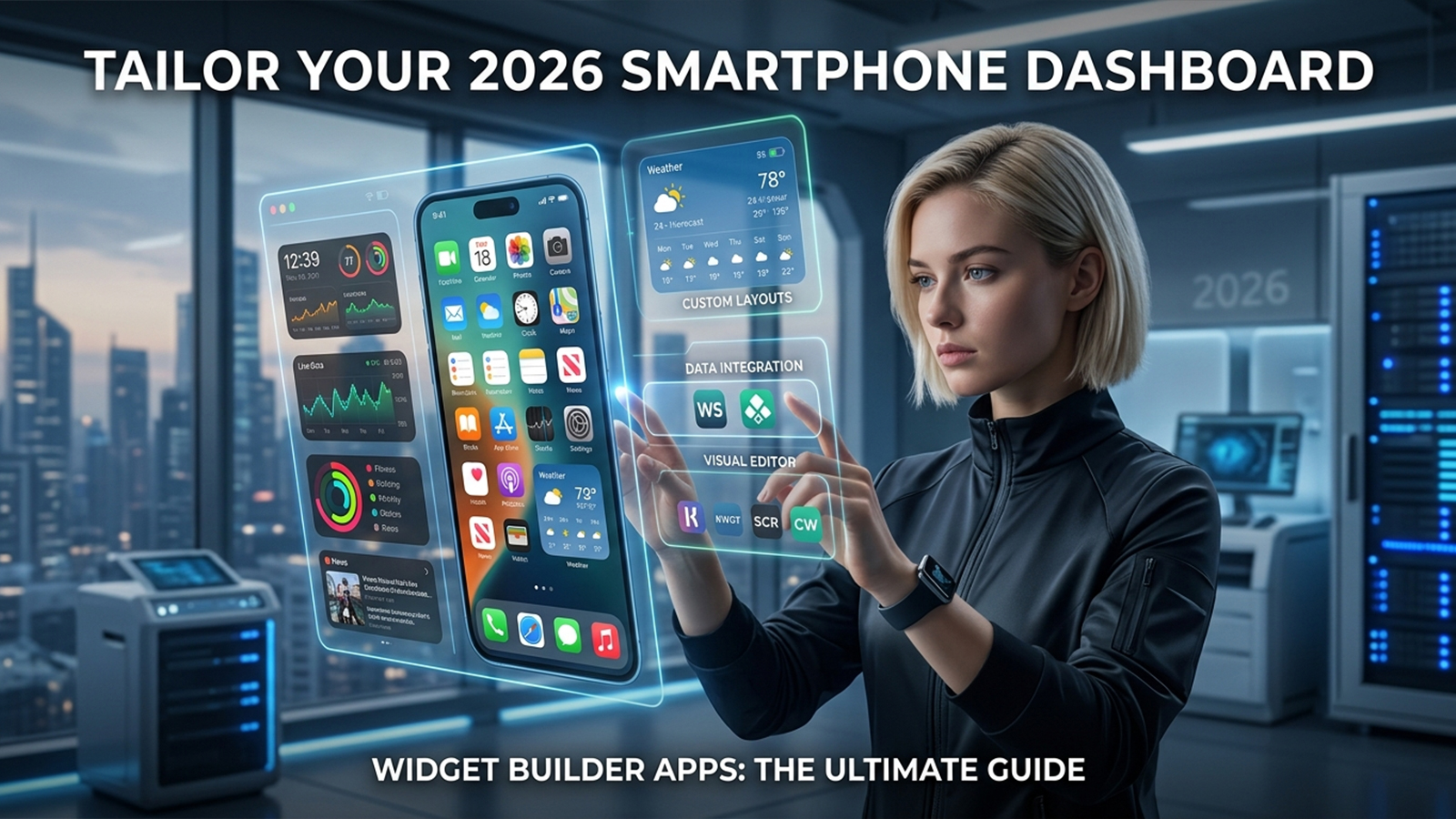
Widget builder apps bridge this gap by unlocking complete control over the dashboard experience. These tools enable the creation of custom layouts, tailored data blocks, cohesive theme aesthetics, and interactive shortcuts that align precisely with individual daily habits.
To separate marketing hype from actual performance, this evaluation examines the most actively maintained tools in 2026. The analysis filters each application through four core criteria:
True customization depth: The ability to alter functional layouts rather than just swapping background wallpapers.
Usability balance: The trade-off between intuitive design interfaces and deep creative control.
Pricing transparency: The clarity of free tiers, subscription models, and one-time purchases.
Platform stability: Real-world performance, resource efficiency, and update frequency.
Hands-on analysis reveals that the defining factor among these applications is not merely visual flair, but the degree of control granted over the daily flow of information.
Widgetsmith remains a dominant force within the iOS ecosystem, serving as the benchmark for mainstream home screen personalization.
Rather than presenting an intimidating blank canvas, Widgetsmith relies on structured customization. The application provides highly optimized, pre-defined templates that handle essential data streams efficiently. Available modules include:
Curated photo albums and dynamic images
Chronological tracking via time, date, and calendar views
Premium weather forecasting overlays
Health and Apple Fitness activity summaries
System action triggers tied directly to iOS Shortcuts
Pros: Highly accessible for beginners; seamless integration with system-level iOS features; exceptional stability across various operating system updates; streamlined user interface.
Cons: Advanced utilities require an ongoing premium commitment; template-driven boundaries restrict freeform design; key data feeds like detailed weather remain locked behind the paywall.
A functional free tier includes basic modules alongside standard ad placement. The Premium subscription, priced at approximately $1.99 monthly or $19.99 annually, eliminates advertising and grants access to advanced data feeds and enhanced styling assets.
This application stands as the most secure recommendation for individuals seeking clean, cohesive home screen aesthetics without committing to a steep learning curve.
Within the Android ecosystem, KWGT stands as the undisputed industry standard for deep interface modification. Operating more like a desktop design engine than a mobile app, it grants control that alternative platforms struggle to match.
KWGT utilizes a sophisticated development environment that allows users to manipulate mobile dashboards down to the exact pixel. The engine supports:
Advanced layer-based design pipelines mimicking professional vector software
Complex global variables linked to live system APIs and weather feeds
Custom typography rendering and vector shape manipulation
Mathematical formulas and scripting logic for conditional behavior
Pros: Industry-leading customization depth; robust support for interactive elements and touch actions; massive library of third-party community presets available on app stores; flawless compatibility with custom launchers and icon packs.
Cons: Intimidating interface that rejects casual experimentation; the most compelling features require the Pro key; initial setup demands significant patience.
The base version is free but restricts importing external community presets. Purchasing the KWGT Pro Key as a one-time transaction removes advertisements and unlocks the ability to load third-party design packs.
This tool is the ultimate option for Android enthusiasts. While it demands a technical mindset, the payoff is an unmatched level of functional freedom.
Color Widgets caters directly to users who prioritize rapid visual gratification over deep technical configuration. The application bypasses complex engineering in favor of instant, trend-focused styling.
The platform relies on pre-assembled asset kits designed to deliver a cohesive look with minimal user input. The feature set includes:
Ready-made widget templates featuring integrated fonts and graphics
Streamlined clock, calendar, and battery indicators
Full-scale theme packs that bundle wallpapers, icons, and widgets together
Basic adjustment sliders for fundamental colors and text properties
Pros: Near-instantaneous home screen transformations; zero technical barrier to entry; highly curated selection of modern, aesthetic templates.
Cons: Extremely limited structural customization; heavy reliance on subscription-gated content packs; lacks the deep data-driven functionality found in competing tools.
The application is free to download and includes a modest selection of basic styles. Access to premium theme bundles, specialized fonts, and seasonal content packs requires an active subscription.
This option serves users seeking a swift visual makeover. It values curated aesthetics far above deep functional control.
Scriptable rejects visual editors entirely, catering instead to users who prefer to code their mobile interfaces. The application uses JavaScript to render widgets, turning the home screen into an open-ended canvas for automation.
Designed specifically for advanced workflows and developers, Scriptable handles data processing via direct text input. Core operations include:
Widget rendering driven entirely by JavaScript
Direct API integration to fetch custom data from any web service
Dynamic content generation based on contextual rules
Deep synchronization with iOS Shortcuts and system automation parameters
Pros: Boundless operational flexibility for programming enthusiasts; clean execution without heavy background resource drain; completely free from monetization barriers.
Cons: Absolute requirement for coding knowledge; complete absence of a drag-and-drop visual builder; entirely impractical for mainstream consumers.
The platform is fully open-source and entirely free to use, without hidden features or subscription tiers.
Scriptable is the absolute most powerful option for iOS automation, provided the user possesses the technical literacy to write clean JavaScript.
Analysis across both mobile ecosystems indicates that the market lacks a single, universal solution. Instead, selection hinges entirely on individual user objectives and technical comfort.
The Mainstream Choice: Widgetsmith offers the most balanced, low-stress path to a clean and functional iOS layout.
The Android Powerhouse: KWGT Kustom Widget Maker remains unmatched for deep, logic-driven Android modification.
The Rapid Makeover: Color Widgets handles quick, trend-driven aesthetic upgrades with zero setup friction.
The Programmer's Tool: Scriptable turns the iOS interface into an elite playground for custom automation and data tracking.
Modern widget builders have transcended mere digital decoration. When deployed effectively, these tools transform standard, static mobile home screens into highly optimized control centers tailored to specific daily routines.
