Running out of storage always seems to happen at the worst possible moment. Whether it's trying to record a video, download an important document, or install a system update, low storage can quickly turn a fast phone into a frustrating one.
A comprehensive evaluation of various storage management and file organization apps across both Android and iPhone reveals that not every app promising to "clean" a phone actually delivers meaningful results. Some focus on deleting junk files, others excel at organizing documents or connecting cloud storage, while a few simply overwhelm users with ads and unnecessary features.
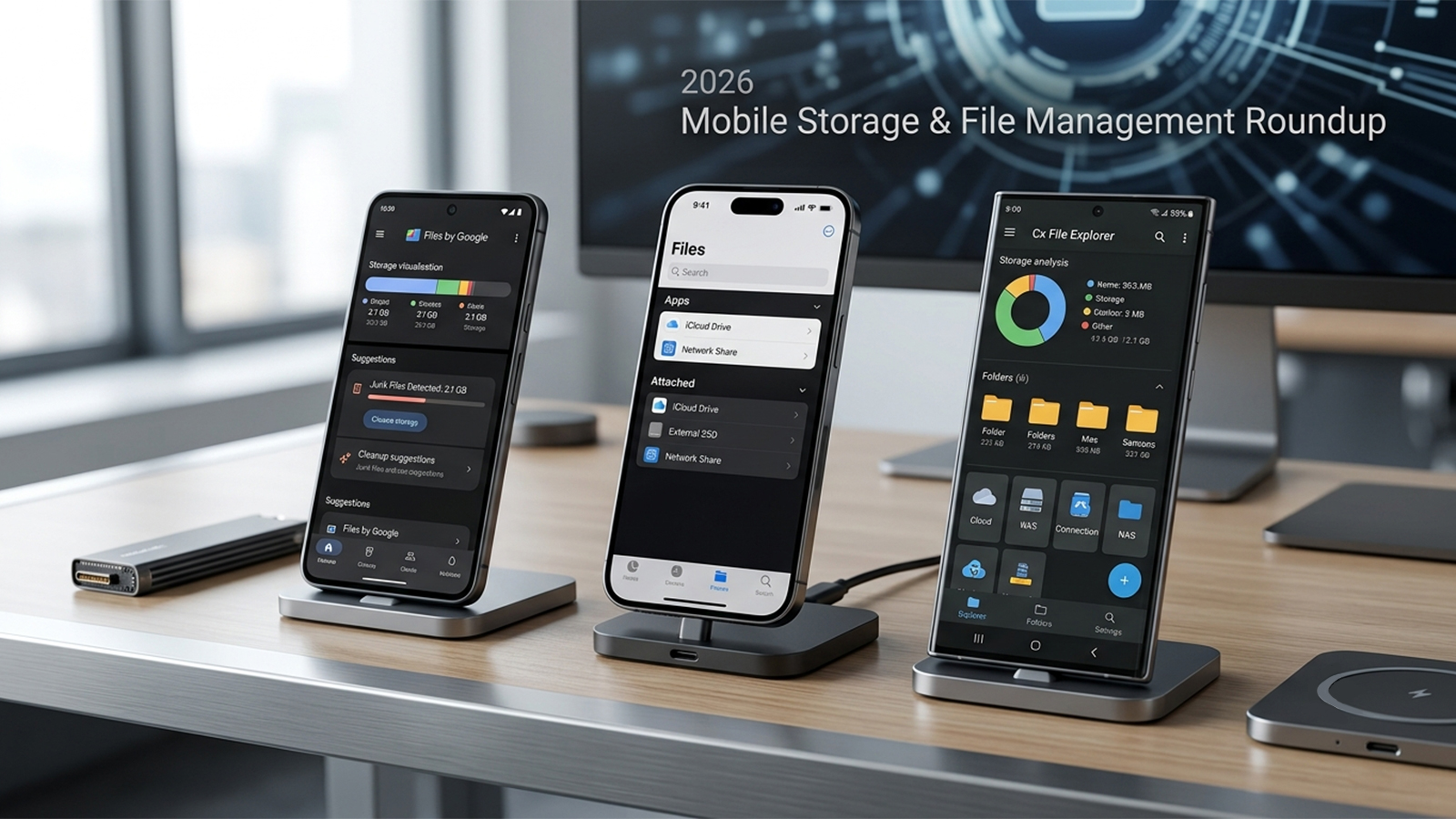
For this roundup, the selection focused on several practical criteria:
How well the app identifies what's consuming storage
Ease of organizing files and folders
Support for cloud storage and external drives
Performance during large file transfers
Pricing transparency
Overall user experience
Here are the best apps currently available for managing phone storage and files.
Availability: Android
Pricing: Free
Files by Google remains the gold standard for most Android users because it solves the problems that actually matter. Instead of relying on questionable "RAM boosters" or exaggerated cleaning claims, it intelligently identifies duplicate files, old screenshots, large videos, cached content, and unused apps that genuinely free up storage. It also includes offline file sharing, secure folders, and cloud backup integration.
In real-world scenarios, duplicate photo detection works surprisingly well. The cleanup recommendations are conservative enough that there is little risk of accidentally deleting important files. Additionally, the clear storage overview makes it easy to identify exactly what is consuming the most space.
Completely free with no advertisements
Excellent duplicate file detection and helpful cleanup recommendations
Secure Folder for sensitive files
Offline Quick Share support
Lightweight installation
Android only
Limited advanced file management compared to dedicated explorers
Power users may want more customization options
Apple removes the need for a third-party file manager for most users, as the native Files app has matured into a highly capable document hub. It seamlessly brings together local storage, iCloud Drive, external USB drives, SMB network shares, and third-party cloud services into a single interface.
The app performs especially well for users already invested in Apple's ecosystem. Moving documents between local storage, iCloud Drive, and external SSDs feels instantaneous. Search functions are fast, previews load quickly, and document organization feels consistent throughout iOS. Unlike many App Store alternatives, Files avoids unnecessary complexity and simply focuses on reliable, ad-free file management.
Built directly into iOS
Excellent iCloud integration
Supports external storage devices and network shares
Clean, clutter-free interface
Fast document previews
No dedicated storage cleanup tools
Limited folder customization
Power users may prefer more advanced features
Availability: Android
Pricing: Free
Cx File Explorer stands out as one of the most polished Android file managers currently available. Instead of focusing solely on storage cleanup, it offers desktop-style file management with support for local storage, SD cards, cloud services, FTP, SMB, NAS devices, and storage visualization. It also includes junk file cleanup and duplicate detection.
When handling large folders containing thousands of photos and videos, navigation remains incredibly responsive. The visual storage analyzer makes it much easier to identify oversized folders than Android's built-in storage menu. Users managing files across multiple devices will particularly appreciate the robust built-in network support.
Free to use with a clean interface
Excellent visual storage analysis
Comprehensive cloud and NAS support (FTP, SMB, and WebDAV)
Fast and responsive performance
Android only
Advanced networking features may be unnecessary for casual users
Some Android system folders remain restricted due to platform security
Owlfiles is one of the strongest third-party file managers available on iOS. While Apple's Files app works well for everyday tasks, Owlfiles adds advanced capabilities such as FTP, SFTP, SMB, WebDAV, NAS connectivity, cloud storage integration, and professional-grade file management.
Transferring files between a NAS and an iPhone is noticeably easier using Owlfiles than relying solely on Apple's built-in tools. For professionals who regularly access remote servers or manage multiple cloud providers, this app effectively fills several gaps left by the default iOS Files app.
Excellent network storage support and reliable remote file access
Integrates multiple cloud services seamlessly
Professional-grade features with an optional lifetime purchase available
Premium features require payment
More complex than Apple's built-in Files app
Casual users may never need its advanced tools
Choosing the best storage management app depends largely on the platform and workflow of the user.
Files by Google is the easiest recommendation for most Android users. It consistently delivers accurate storage recommendations, removes unnecessary files safely, and remains completely free without intrusive advertising. Its balance of simplicity and usefulness makes it the best overall choice for managing storage on Android.
For iPhone users, Apple Files remains the best default option thanks to its seamless integration with iCloud, external drives, and network storage. Most people simply will not need another file manager unless they regularly work with servers or enterprise storage.
Power users should consider Cx File Explorer on Android for its outstanding network capabilities and visual storage analysis, while Owlfiles is an excellent upgrade for professionals who need advanced remote file access on iOS.
Ultimately, the best storage management app isn't the one that promises miraculous performance improvements—it's the one that helps users quickly find large files, organize documents, and free up meaningful storage without creating additional clutter. These four apps accomplish exactly that, making them the strongest recommendations for 2026.
