Modern smartphones often feel visually and functionally locked into whatever the manufacturer decided years ago. Even with better hardware and faster chips, many users still deal with cluttered home screens, inconsistent icon layouts, and limited customization options. Launcher apps solve that problem by replacing the default home screen experience entirely.
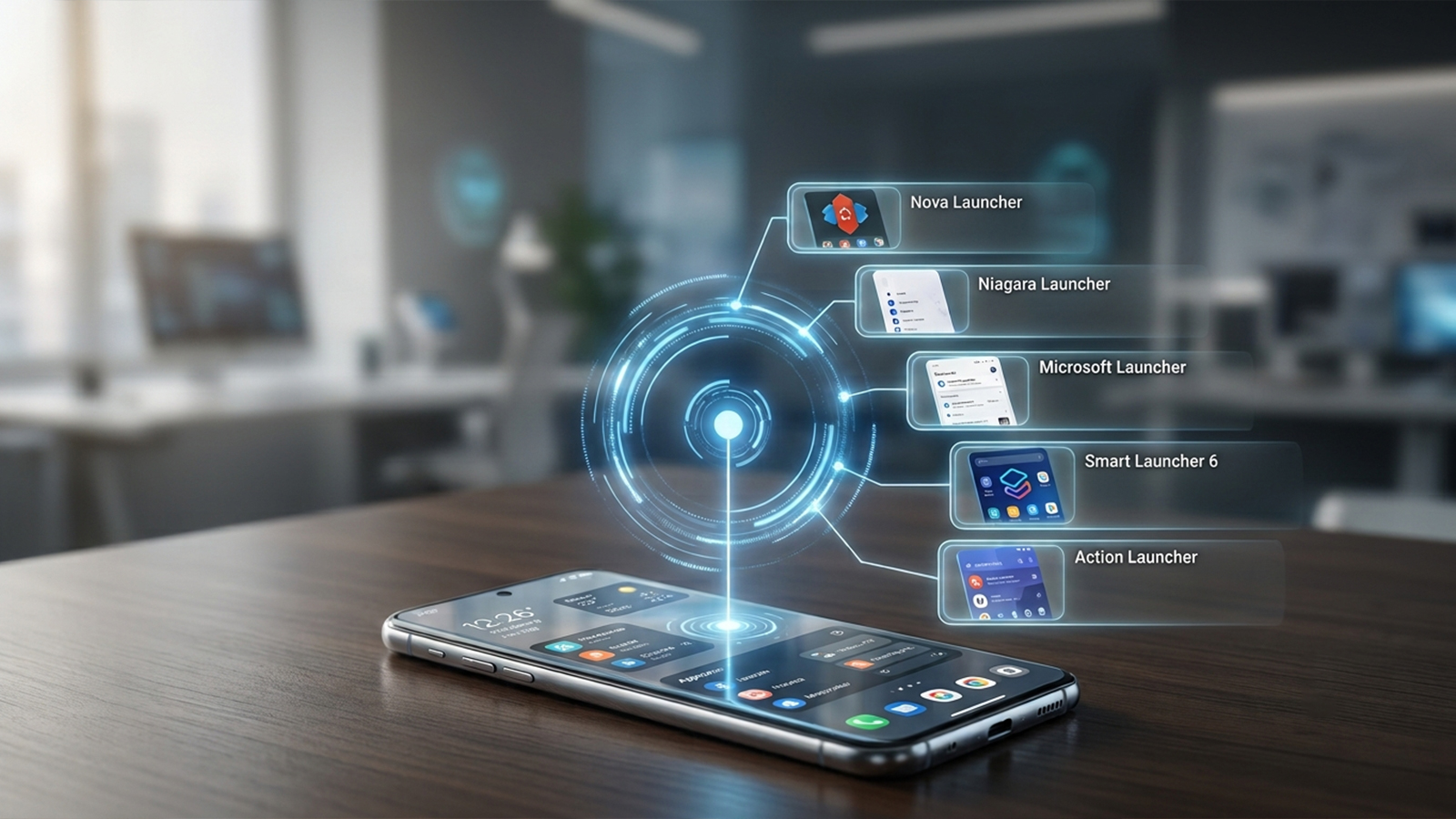
Testing across multiple Android devices—including a Pixel-style stock Android setup and a heavily skinned Samsung UI—revealed that the right launcher does more than just change wallpapers. The goal was to identify options that genuinely improve usability, focusing on real-world factors like speed, customization depth, ease of use, and overall workflow control.
A Quick Platform Note: This space remains almost entirely Android-focused. Due to platform restrictions, iOS does not allow full system launcher replacements. Consequently, iPhone alternatives are limited to home screen widgets and shortcuts rather than full interface overhauls.
The following five launcher apps are currently active, well-maintained, and stand out as top choices for transforming a mobile interface.
As a long-standing veteran in the customization space, Nova Launcher remains the benchmark for user control. When tested on mid-range hardware, it immediately demonstrates that deep customization does not have to sacrifice system performance. Rather than forcing a complete redesign of how Android operates, it neatly organizes and exposes the advanced settings that smartphone manufacturers often hide.
From precise grid sizing to complex gesture shortcuts, this application transforms the home screen into a highly responsive dashboard. While the core experience is free to download, a premium tier (Nova Prime) is available via subscription or lifetime purchase to unlock advanced gesture controls and deeper drawer customization.
Pros:
Unmatched customization depth covering icons, grids, gestures, and folders
Exceptionally smooth performance, even on older or budget-friendly hardware
Robust layout backup and restore system for seamless device switching
Excellent long-term stability and reliability
Cons:
A steeper learning curve that may overwhelm casual users
Essential power-user features require the paid Nova Prime upgrade
Recent updates have shifted focus toward structural monetization changes
For individuals seeking absolute control over every pixel and swipe behavior, Nova Launcher is the definitive choice, though it demands more setup time than its competitors.
Taking a radically different approach, Niagara Launcher champions an uncompromised minimalist philosophy. Instead of burying users under endless setting menus, it strips away the traditional grid layout entirely to reshape daily digital habits.
The interface presents applications in a clean, vertical, alphabetical list. In practice, this design proves incredibly efficient, drastically reducing screen scrolling, lowering digital distractions, and making large phones much easier to operate with a single hand. The baseline version handles daily tasks effortlessly, while a Pro subscription unlocks enhanced widget integration and advanced styling options.
Pros:
Streamlined, one-handed navigation that speeds up app access
Clean, distraction-free environment that helps curb mindless scrolling
Lightweight footprint with incredibly fluid animations
A design philosophy centered around functional utility over pure aesthetics
Cons:
Highly restrictive widget support due to the vertical layout
Unsuitable for users who enjoy traditional home screen layouts and icon placements
Many advanced productivity tools are locked behind a paywall
Niagara Launcher functions beautifully as a "focus tool." It aims to reduce friction by limiting choices, making it the premier option for anyone looking to simplify their relationship with their smartphone.
While other options compete on visual flair, Microsoft Launcher focuses entirely on ecosystem continuity and workplace efficiency. Testing alongside a Windows laptop environment highlights its primary strength: bridging the gap between a mobile device and a desktop workstation.
The interface centers around a personalized feed that aggregates calendar events, Microsoft To-Do tasks, and recent documents. By integrating deeply with services like Outlook and OneDrive, it ensures that critical work data is always just a swipe away from the main screen.
Pros:
Flawless synchronization with the Windows 11 ecosystem
Clean, professional layout optimized for daily organization
Direct, smooth access to Microsoft productivity tools
Low system resource consumption
Cons:
Fails to deliver high value for users outside the Microsoft ecosystem
Lacks the fluid layout flexibility found in Nova or Smart Launcher
Visual customization options are relatively basic
This app is not designed for casual aesthetic experimentation; instead, it serves as a powerful utility that transforms a phone into a highly functional extension of an office PC.
Smart Launcher 6 addresses one of the biggest pain points of custom launchers: the tedious setup process. It introduces an intelligent, semi-automated system that instantly categorizes apps into logical folders—such as games, communication, and utility tools—without requiring manual sorting.
Beyond organization, the interface adapts dynamically to the user's environment. Its built-in theming engine extracts colors from the active wallpaper to tint UI elements automatically, delivering a cohesive visual style with zero effort from the user.
Pros:
Automatic app categorization eliminates initial setup frustration
Highly flexible layout options that blend grids with unique flower-shaped icon groups
Context-aware color themes that match changing wallpapers beautifully
An excellent balance between automated simplicity and manual control
Cons:
Several premium features are restricted to a paid tier
Occasional misclassification of niche or newly installed applications
Slightly heavier on system resources compared to ultra-minimalist rivals
Smart Launcher 6 is tailor-made for users who desire a fresh, organized smartphone experience but prefer to avoid spending hours dragging icons into folders manually.
Action Launcher bridges the gap between familiar Android aesthetics and innovative usability shortcuts. It retains the foundational look of a stock Google interface while injecting unique, gesture-driven features that change how information is accessed.
The standout feature here is the "Shutter" mechanism, which allows users to swipe up on an app icon to reveal its corresponding widget in a temporary window. This approach provides quick glances at data without cluttering the home screen with permanent, battery-draining widgets.
Pros:
Innovative gesture controls that maximize screen real estate
The "Shutters" feature offers brilliant, on-demand widget access
Maintains a familiar Android look while boosting power-user capabilities
Comprehensive support for third-party icon packs and theme customization
Cons:
The most compelling navigation features require a premium purchase
The gesture-heavy interface introduces a slight learning curve
The development community is smaller than that of massive competitors like Nova
This launcher is best suited for individuals who appreciate the classic Android layout but want smarter, faster ways to interact with their apps and widgets.
Selecting the ideal launcher depends heavily on individual daily priorities, as no single application fits every workflow perfectly.
For total aesthetic authority, Nova Launcher remains the industry standard. When the goal is to cut down on screen time and embrace minimalism, Niagara Launcher offers the most radical and effective change. Professionals tied to a PC setup will find the most value in Microsoft Launcher, while those wanting instant, hands-off organization should lean toward Smart Launcher 6. Finally, Action Launcher serves as the ideal middle ground for users who love gesture-based shortcuts.
If a true shift in the daily smartphone experience is desired, Niagara Launcher represents the most transformative option. It succeeds not by adding more elements to manage, but by restructuring mobile interaction into a focused, single-handed flow. That structural shift is what elevates an app from a simple cosmetic upgrade to a genuine user experience redesign.
