Smartphone cameras possess remarkable capabilities, but capturing a standard photo of a contract, receipt, ID, or invoice rarely yields a professional, shareable document. Distortions, uneven lighting, and unreadable text often ruin the result. Similarly, while modern device cameras include basic QR scanning, they lack the advanced toolsets found in dedicated applications—such as searchable scan histories, batch processing, Optical Character Recognition (OCR), secure cloud integration, and direct PDF editing.
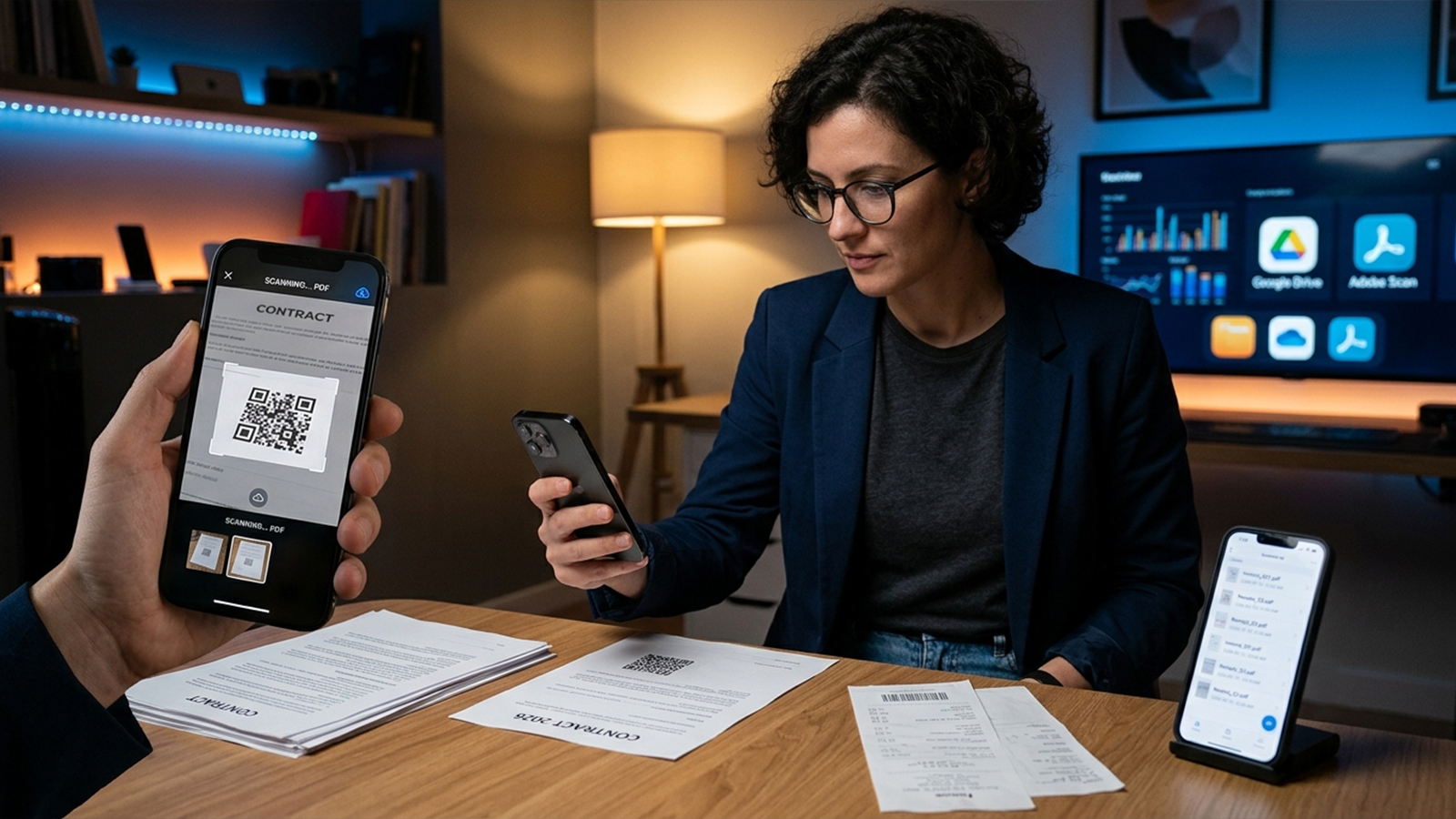
Evaluating the top options on the Apple App Store and Google Play required a standardized benchmarking process. The assessment focused heavily on several critical performance metrics:
Scan quality and automated edge detection
QR code recognition speed and responsiveness
OCR text recognition accuracy
PDF export flexibility and sharing options
Interface navigation and ease of use
Pricing structures and overall value
The field narrowed down to five standout applications that consistently delivered reliable, high-quality performance during rigorous hands-on testing.
Outstanding Document Scanning with Industry-Leading OCR
Testing Adobe Scan against wrinkled receipts, multi-page printed contracts, and complex documents revealed its superior ability to generate clean, professional digital files. The automated edge detection operates flawlessly, while the built-in OCR engine extracts text with remarkable precision, even from imperfect paper surfaces.
The software automatically normalizes contrast, eliminates harsh shadows, and straightens skewed angles without requiring manual intervention. Exporting files into the PDF format is incredibly fluid, proving especially efficient for individuals embedded in the Adobe Acrobat ecosystem. Beyond standard text documents, the application effectively optimizes business cards, whiteboards, and forms.
Pricing: Free, with an optional Adobe Acrobat Premium subscription available for advanced editing tools.
Pros: Exceptional automatic cropping, highly precise text recognition, rapid PDF rendering, clutter-free interface, and dependable cloud synchronization.
Cons: Advanced PDF modifications remain locked behind a paywall; QR code scanning functions merely as a secondary feature.
A Feature-Packed Powerhouse with Robust QR Support
CamScanner remains a dominant force in the mobile scanning landscape for good reason. Evaluation showed that the application processes everything from passports to handwritten notes with remarkable consistency and sharp clarity.
Versatility serves as this platform's primary strength. The app bundles an extensive suite of tools, including advanced OCR, document enhancement filters, annotation capabilities, password protection, electronic signatures, and a highly responsive QR code reader. Furthermore, the batch-scanning mode processes multi-page documents rapidly, making it an excellent choice for heavy digitizing workflows.
Pricing: Free, with an optional Premium subscription structure.
Pros: High-definition output, integrated QR utility, reliable OCR, diverse export formatting, and ideal utility for corporate environments.
Cons: The free version frequently prompts users to upgrade, and several core features are restricted to the premium tier.
The Premier Choice for Privacy-Conscious Users
While many contemporary scanners rely heavily on cloud-based processing, Genius Scan takes a refreshing, localized approach. Testing highlighted its rapid on-device processing and near-instantaneous setup, ensuring that scanned documents remain securely stored on the hardware unless cloud backups are intentionally authorized.
The automated cropping and perspective-correction algorithms handle angled, real-world shots with ease. Although full OCR capabilities require a paid upgrade, the base version delivers crisp, uncompromised PDF scans. For professionals managing sensitive or confidential paperwork, this privacy-first architecture provides significant peace of mind.
Pricing: Free, with an optional Genius Scan Ultra subscription tier.
Pros: Secure, privacy-centric design; excellent visual clarity; rapid offline processing; and an interface free of unnecessary bloat.
Cons: Text recognition functions require the paid upgrade; fewer aesthetic editing tools compared to feature-heavy competitors.
A Surprisingly Capable Tool for Daily Task Management
Many Android users frequently overlook the robust scanning tool baked directly into the Google Drive mobile application. When tested with everyday receipts and simple printed materials, this integrated feature delivered surprisingly sharp results without demanding a separate download.
The automatic cropping mechanism snaps precisely to document borders, and PDF conversion occurs almost instantaneously. Because every scan automatically populates the user's active Google Drive repository, the workflow is incredibly smooth for anyone tied to Google's cloud productivity suite. Naturally, the trade-off appears in the feature list: advanced OCR, deep annotation tools, and complex PDF manipulation are noticeably absent.
Pricing: Completely free.
Pros: No added costs or hidden fees, natively integrated into Android devices, streamlined storage workflow, and instant cloud archiving.
Cons: Lacks advanced document editing tools, features basic OCR capabilities, and offers minimal file-management options.
The Official Evolution of Microsoft Lens
A major shift in the 2026 productivity landscape involves the retirement of the standalone Microsoft Lens app. Microsoft has migrated these trusted document-scanning capabilities directly into the core OneDrive mobile application, encouraging legacy users to transition to OneDrive for all document and receipt management.
Hands-on testing confirmed that the integrated OneDrive scanner retains the crisp PDF output and reliable edge detection of its predecessor. Integration with Microsoft 365 is flawlessly executed, routing digitized files straight into cloud storage to facilitate immediate workplace collaboration. The primary limitation stems from this consolidation, as users lose some of the localized saving flexibility that the independent Lens app once provided.
Pricing: Free, with optional Microsoft 365 subscriptions for expanded cloud storage and enterprise features.
Pros: Deep, native integration with the Microsoft 365 ecosystem; sharp PDF generation; and simplified corporate file sharing.
Cons: Dictates a cloud-reliant workflow; offers less localized flexibility than the legacy Microsoft Lens application.
While each option delivers commendable performance, specific user scenarios call for different tools:
Adobe Scan stands as the definitive all-around recommendation. The combination of OCR accuracy, automated enhancement, and refined UI layout delivers the smoothest experience for students and working professionals alike.
CamScanner caters directly to power users. Those requiring heavy annotation, built-in QR scanning, digital signatures, and strict password security will find the extensive feature set well worth the subscription model.
Genius Scan remains the optimal choice for the security-minded. Localized processing turns it into a fortress for confidential legal or financial records.
Google Drive Scanner offers the ultimate convenience for casual users who only need to scan a few items a month and prefer to keep their app libraries minimal.
OneDrive Scanner functions as the logical choice for corporate environments and individuals heavily reliant on the Microsoft 365 ecosystem.
An extensive evaluation of receipts, contracts, handwritten notes, and QR codes reveals that the quality gap between premium scanning applications has closed dramatically. The deciding factors no longer center on raw scanning performance, but rather on specific ecosystem integration, privacy preferences, and advanced workflow features.
For the vast majority of users, Adobe Scan provides the most balanced combination of text recognition and ease of use. Power users will lean toward CamScanner's deep utility suite, while privacy advocates have a clear winner in Genius Scan. Ultimately, deploying any of these specialized applications turns a mobile device into a highly capable portable scanner, offering a massive upgrade over a standard smartphone photo.
